
1.0 Software Utility Program Overview
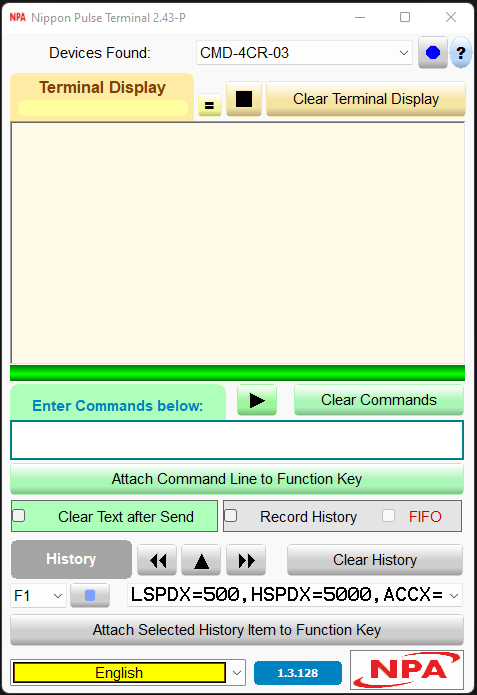
The Commander core series from Nippon Pulse has two Windows GUI programs that can be obtained by downloading from their website.
|
|
The Commander Control Utility, a Windows Graphical User Interface application, carries out two crucial functions:
This manual provides information about the Commander Control Utility. |
|
|
The Nippon Pulse Terminal Utility is tailored to advanced users. It is compatible with all Nippon Pulse controllers and has three main functions:
See Nippon Pulse Terminal Program Software Manual for more information about and downloads for the Nippon Pulse Terminal Utility |
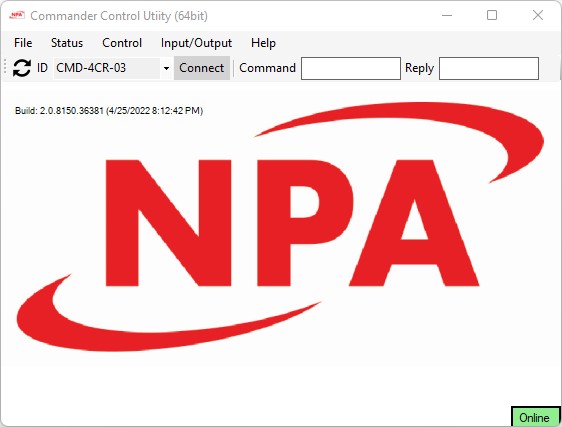
The Commander Control Utility helps the user configure, monitor, and develop programming for the Commander series of products.
- Use various status and configuration screens to configure the inputs, outputs, and limits.
- Trigger or clear the status of alarms and other signals for each axis.
- Enable and control each axis using a jog or other move commands.
- Access and run all homing routines from the utility software.
- The Standalone Control window supports standalone program code generation, compiling, downloading, and storing.
- Use the echo monitor to see the exact format and timing of commands sent and received from the Commander.
Both ASCII and standalone commands are accessible in the Commander Control Utility software environment.
A copy of the Commander Control Software is not shipped with the Commander products but can be downloaded here. 
Download this manual as a PDF or CHM (native windows help file).