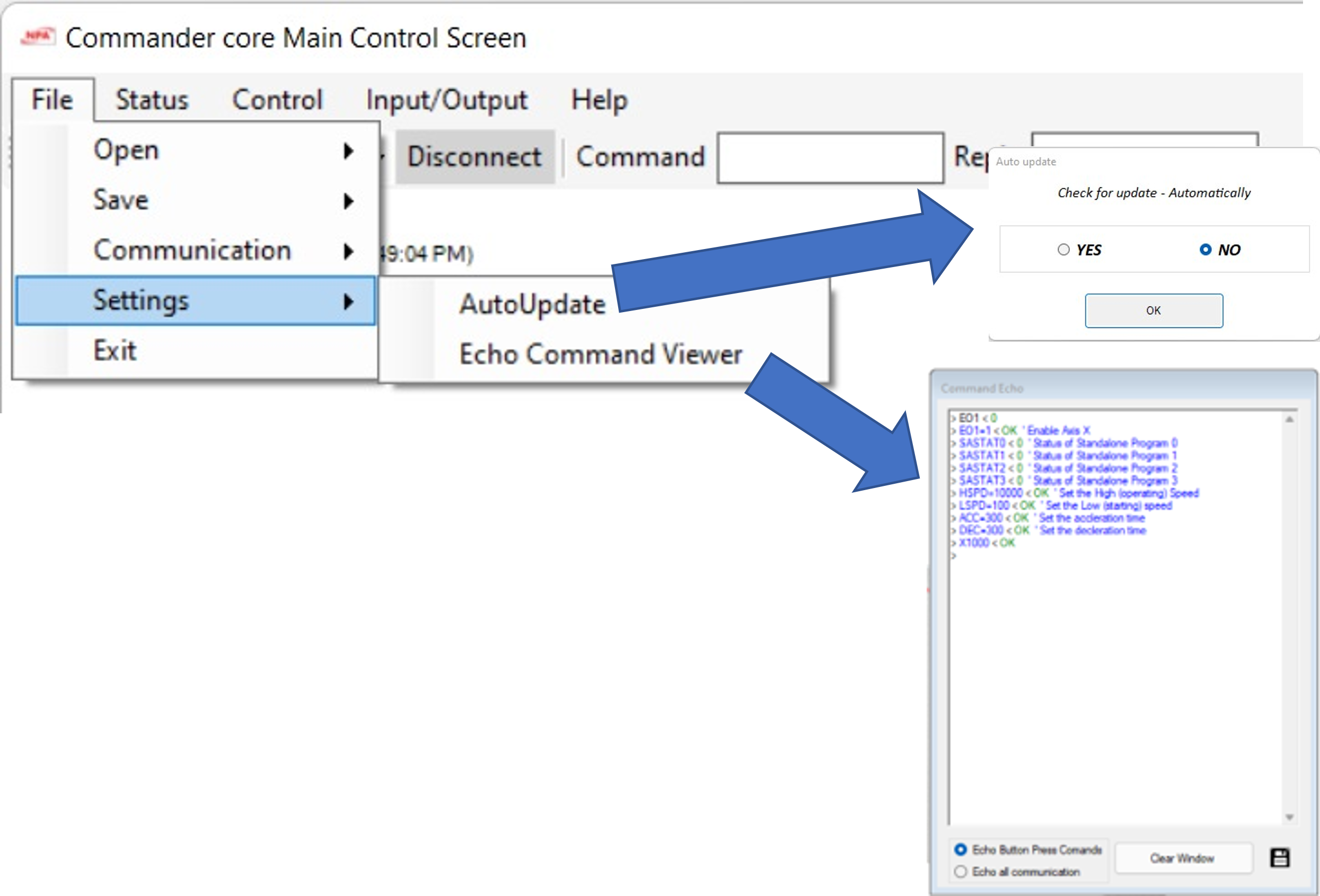
1.2 Service Screen Display Overview
On this page
|
Functions |
Screen View |
|
|
About Screen |
Open the About form and click the NPA logo to enter service mode. A form will pop up asking for a password. Enter the password below for the mode you need to enable. |
|
|
Service Mode |
PCL Registers Screen enabled Service Menu shown Service Manual shown |
Password : CMDservice |
|
Status of all registers |
|
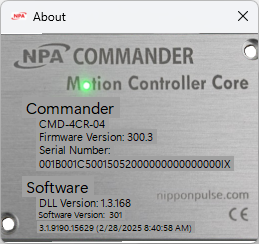
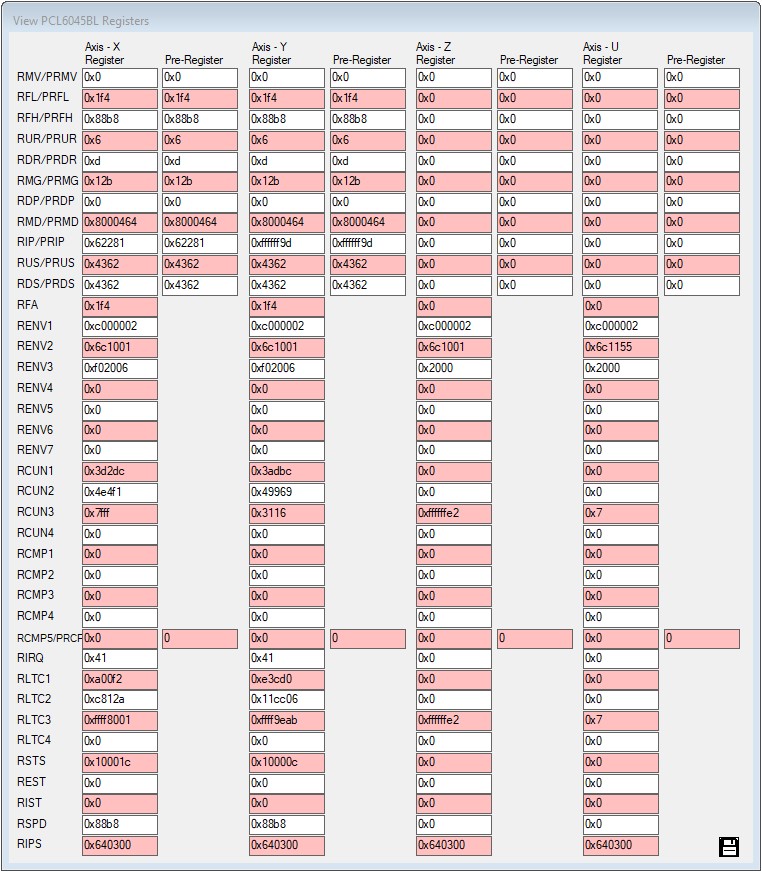
Service Screen transition diagram