1.1 Screen Display Overview
- Screen Display Overview
- Main Screen Menu
- Motor Status Screen
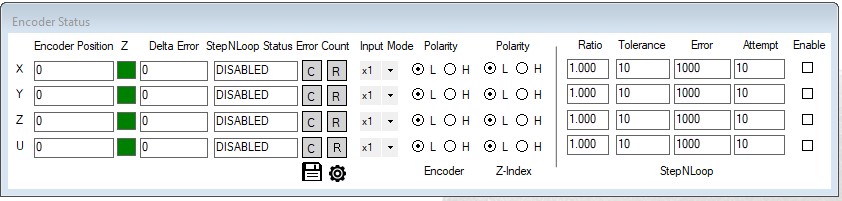
- Encoder Status Screen
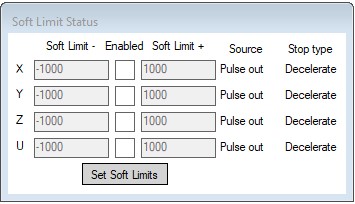
- Soft Limit Status
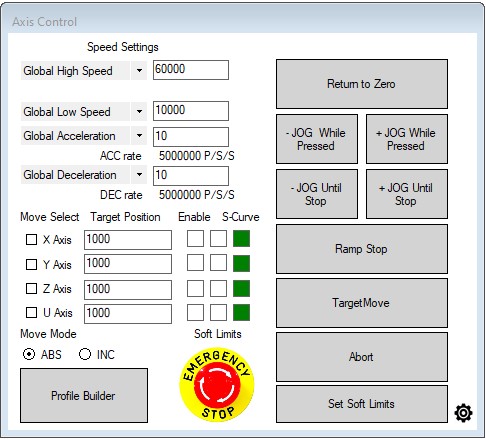
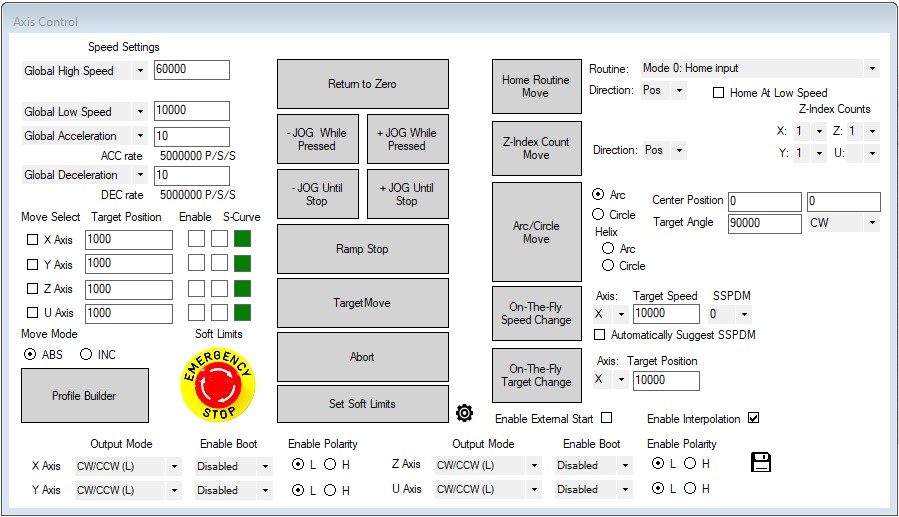
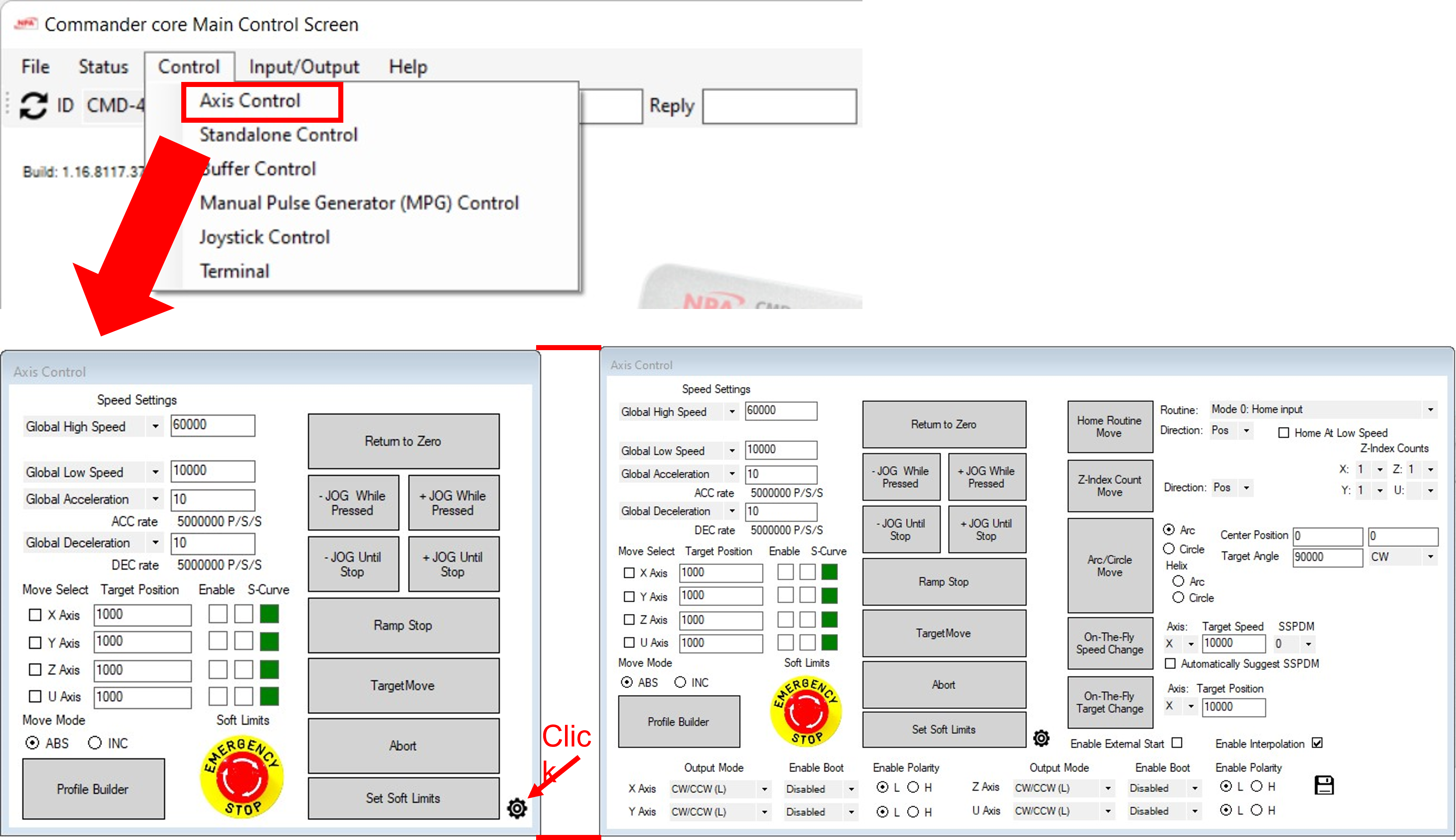
- Axis Control Screen
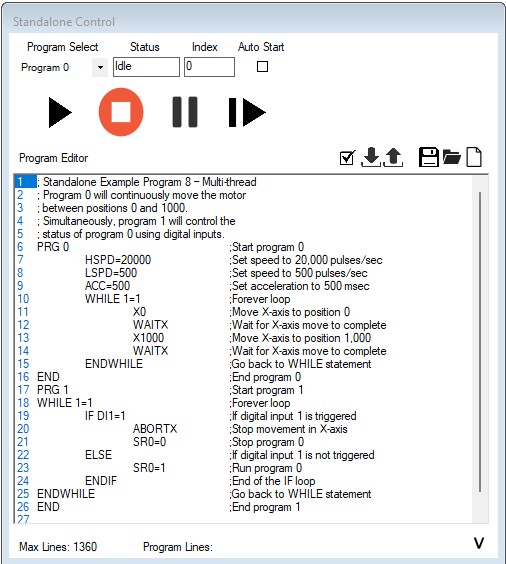
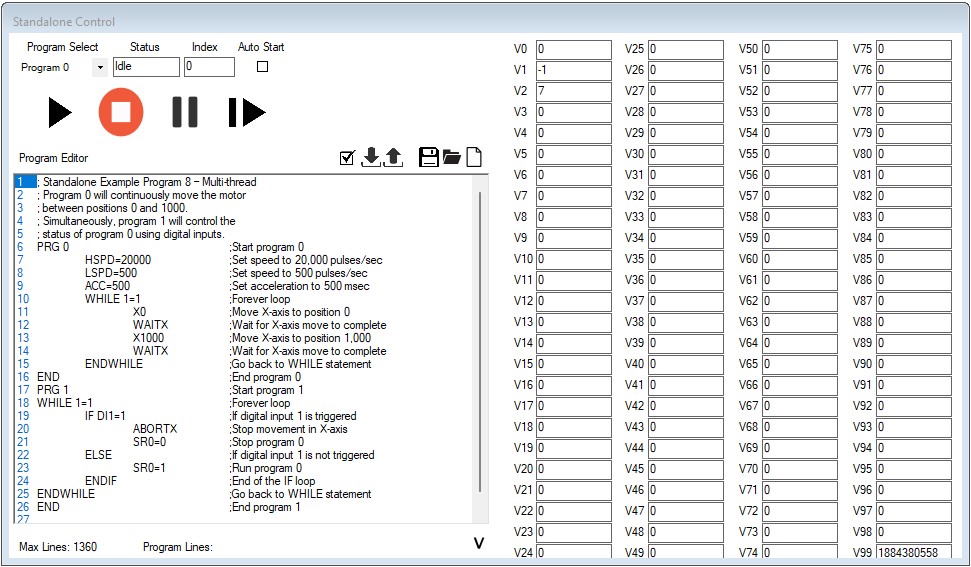
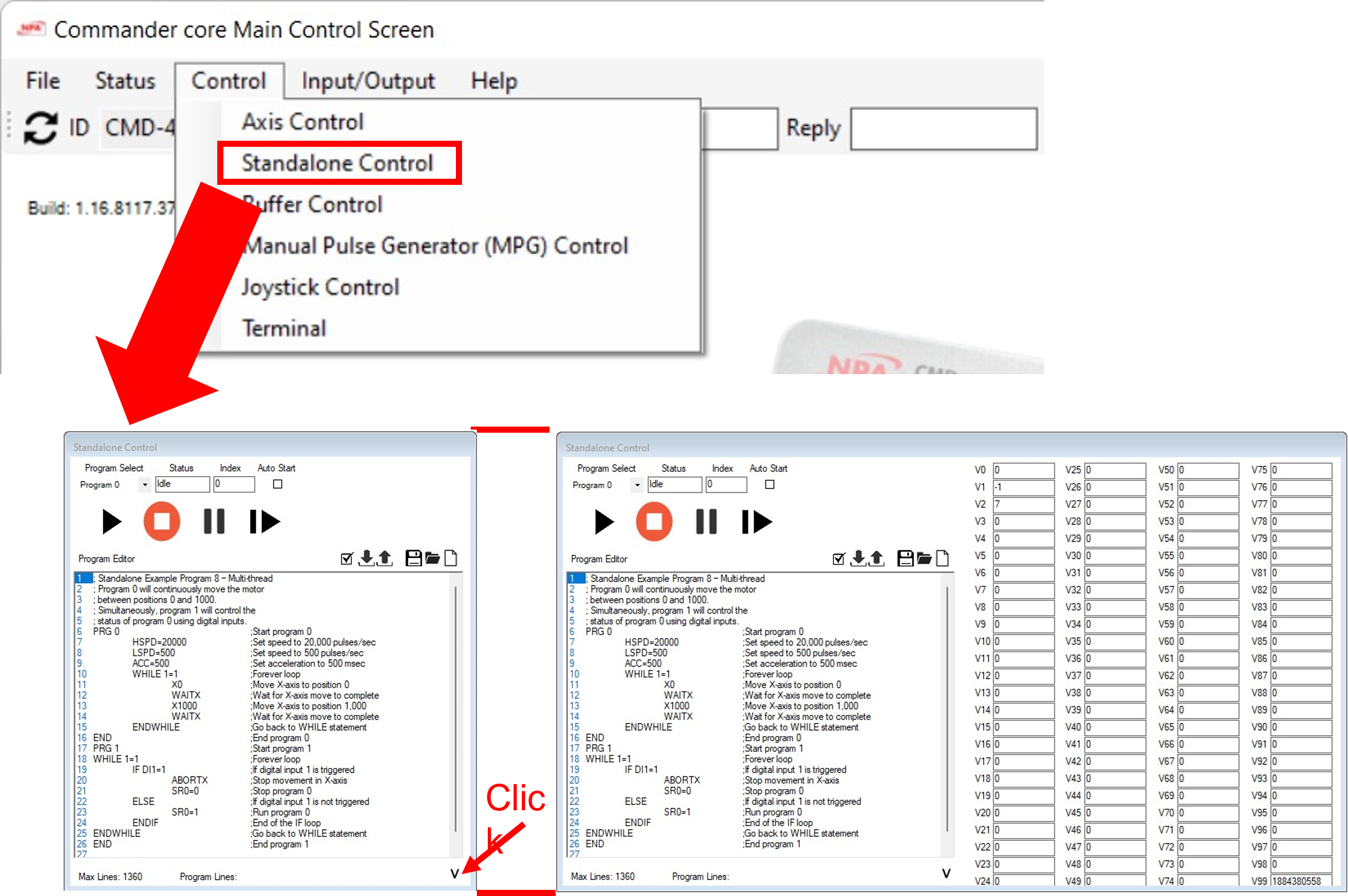
- Standalone Control
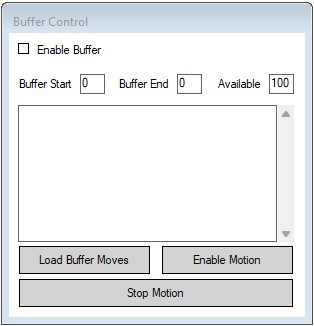
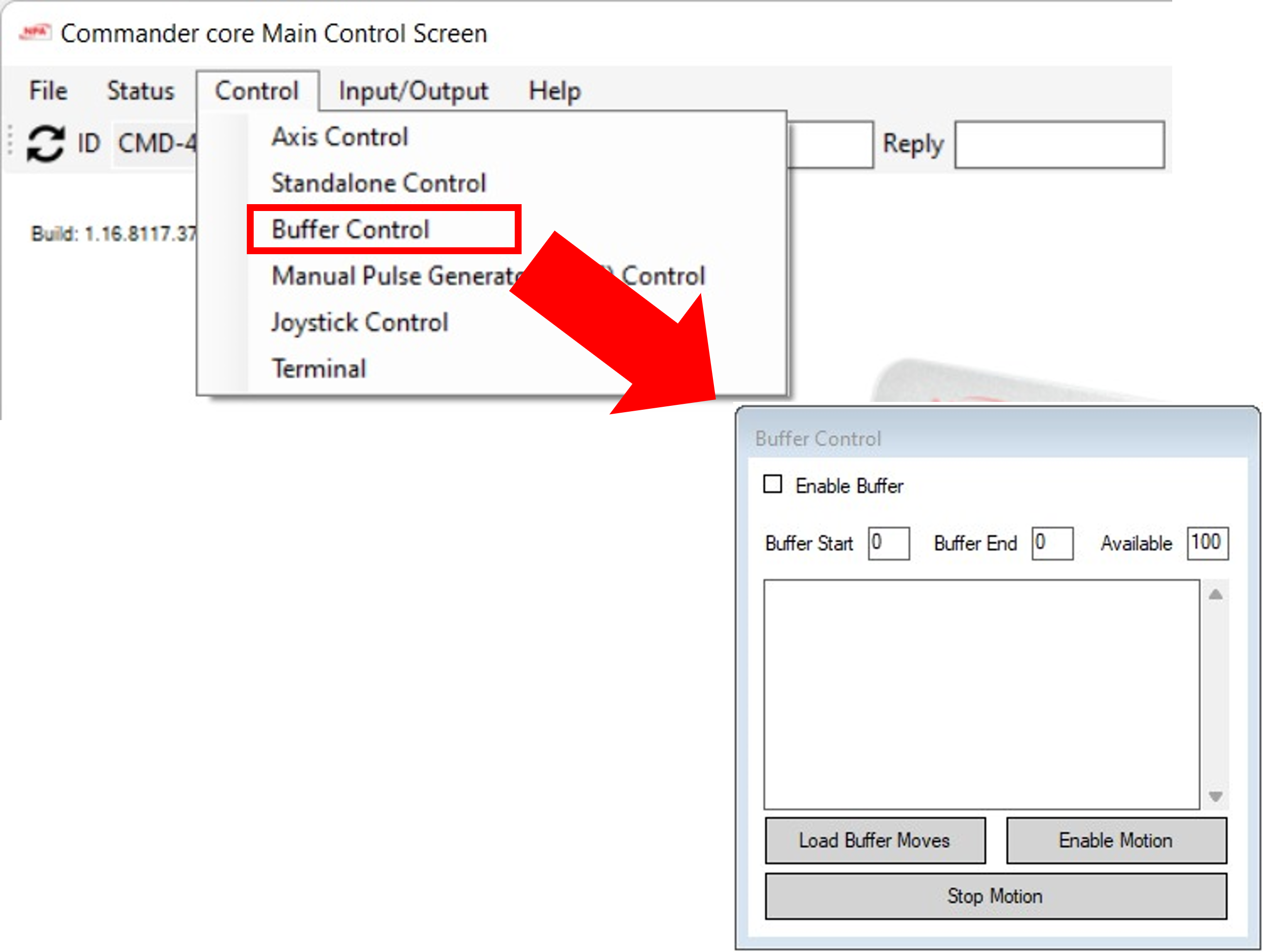
- Buffer Control Screen
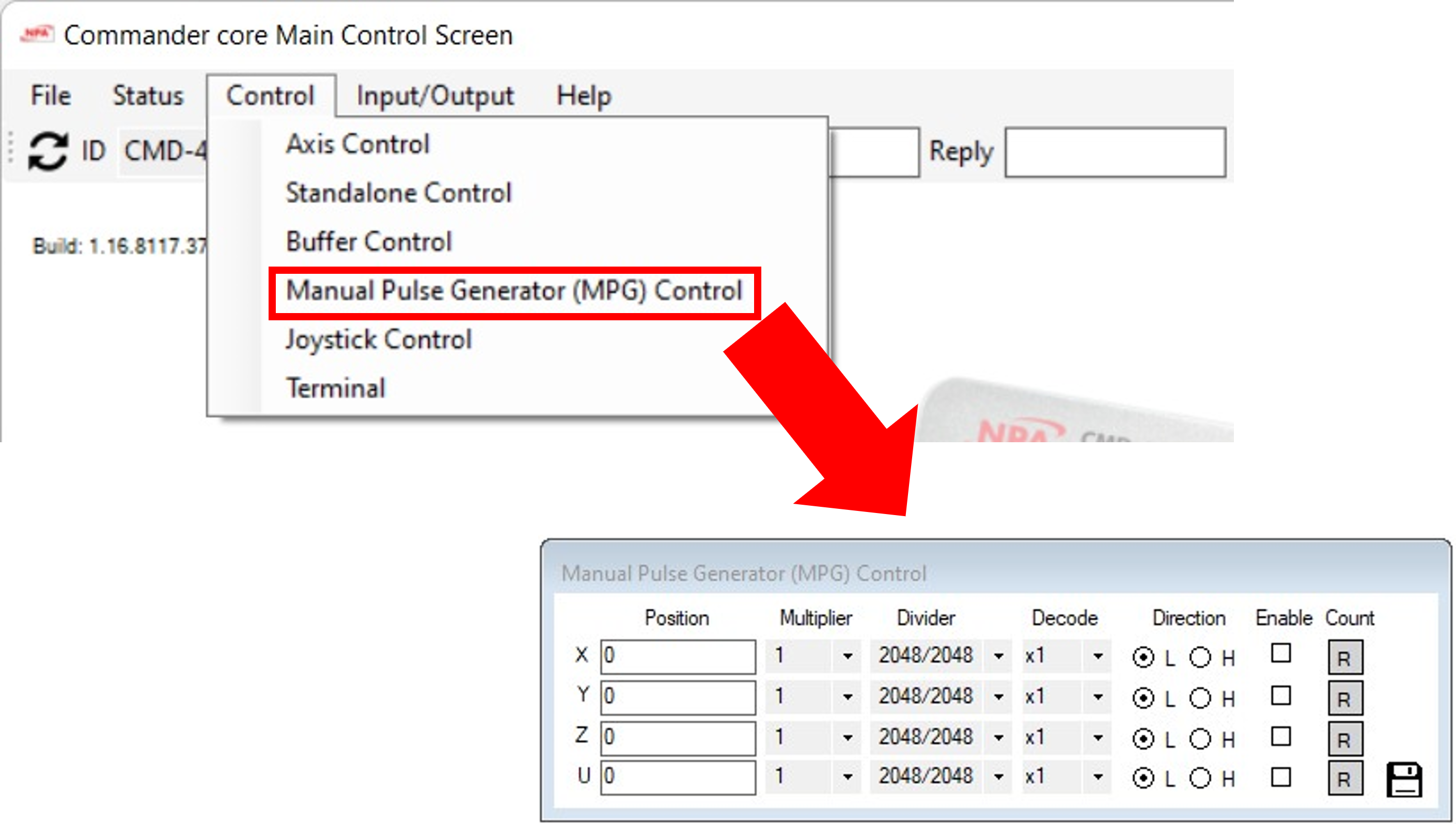
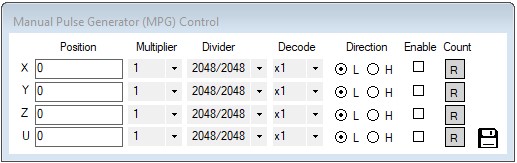
- Manual Pulse Generator Screen
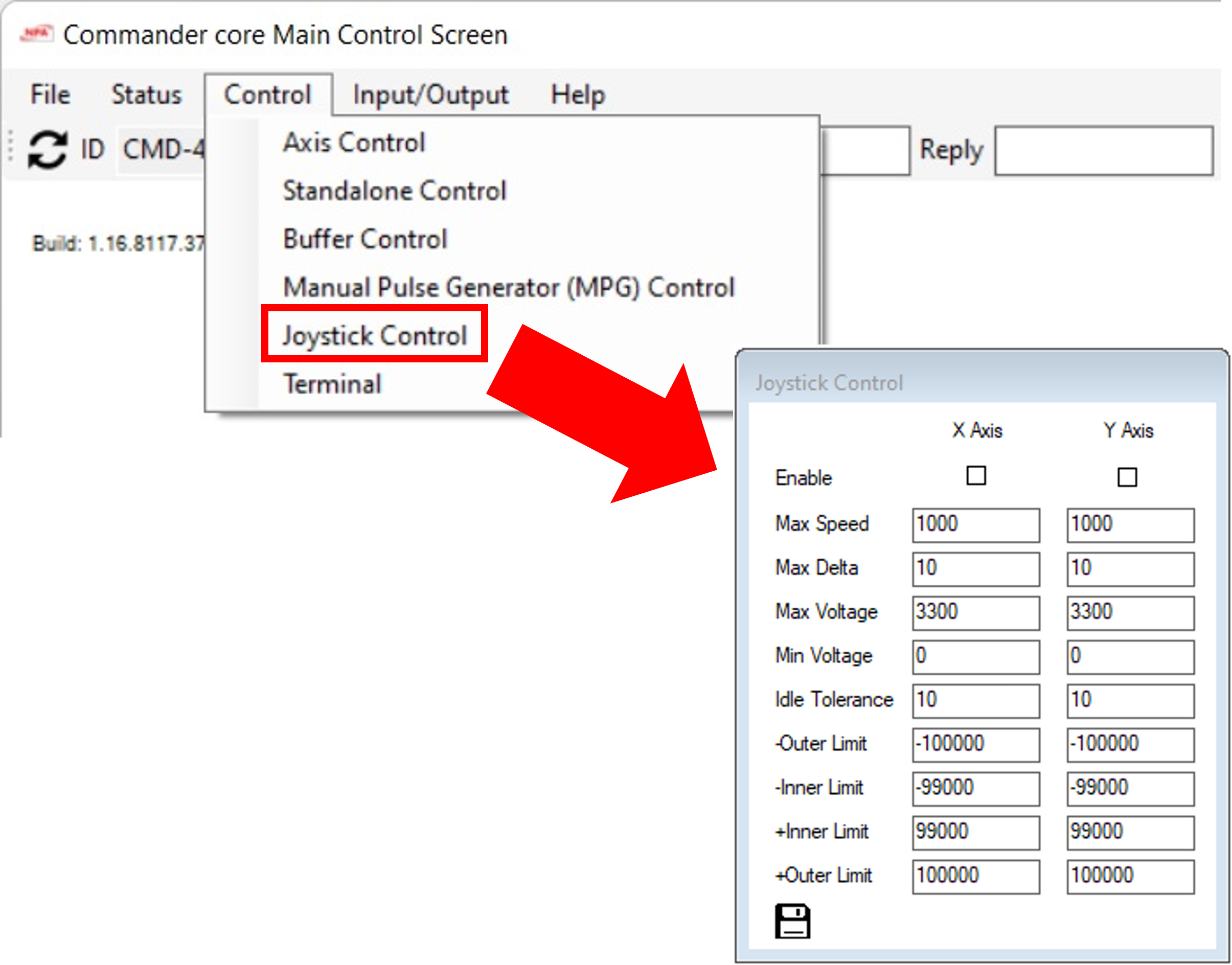
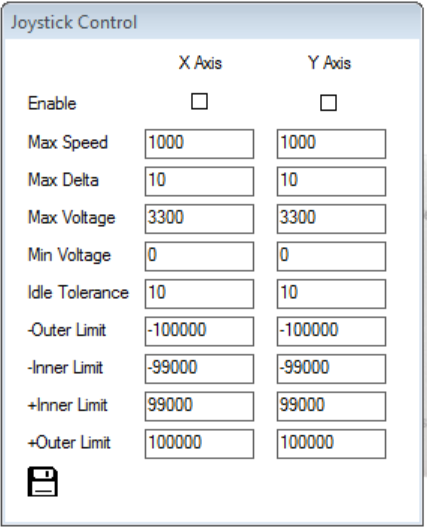
- Joystick Control Screen
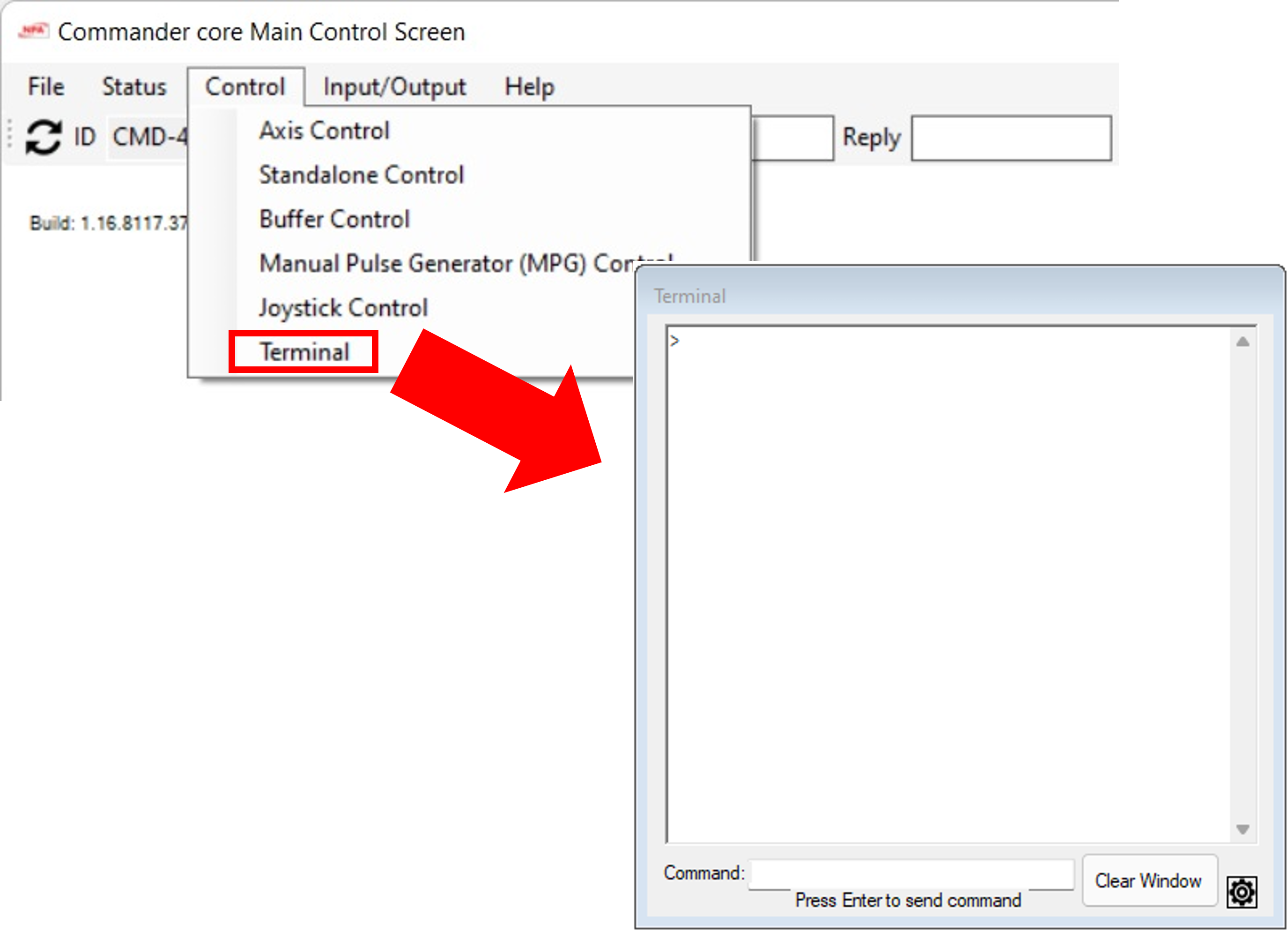
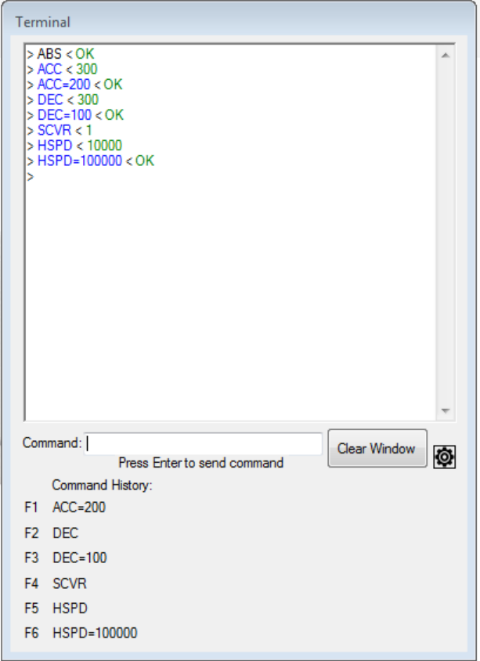
- Terminal Screen
- Manual Pulse Generator Screen
|
Screen Name |
Functions |
Screen View |
|
|
|
|
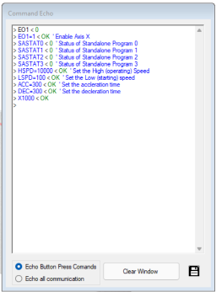
Command Echo Viewer |
Displays command sent to and reply from the connected Commander |
|
|
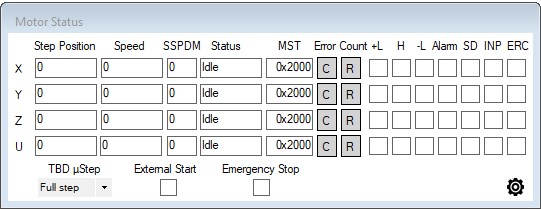
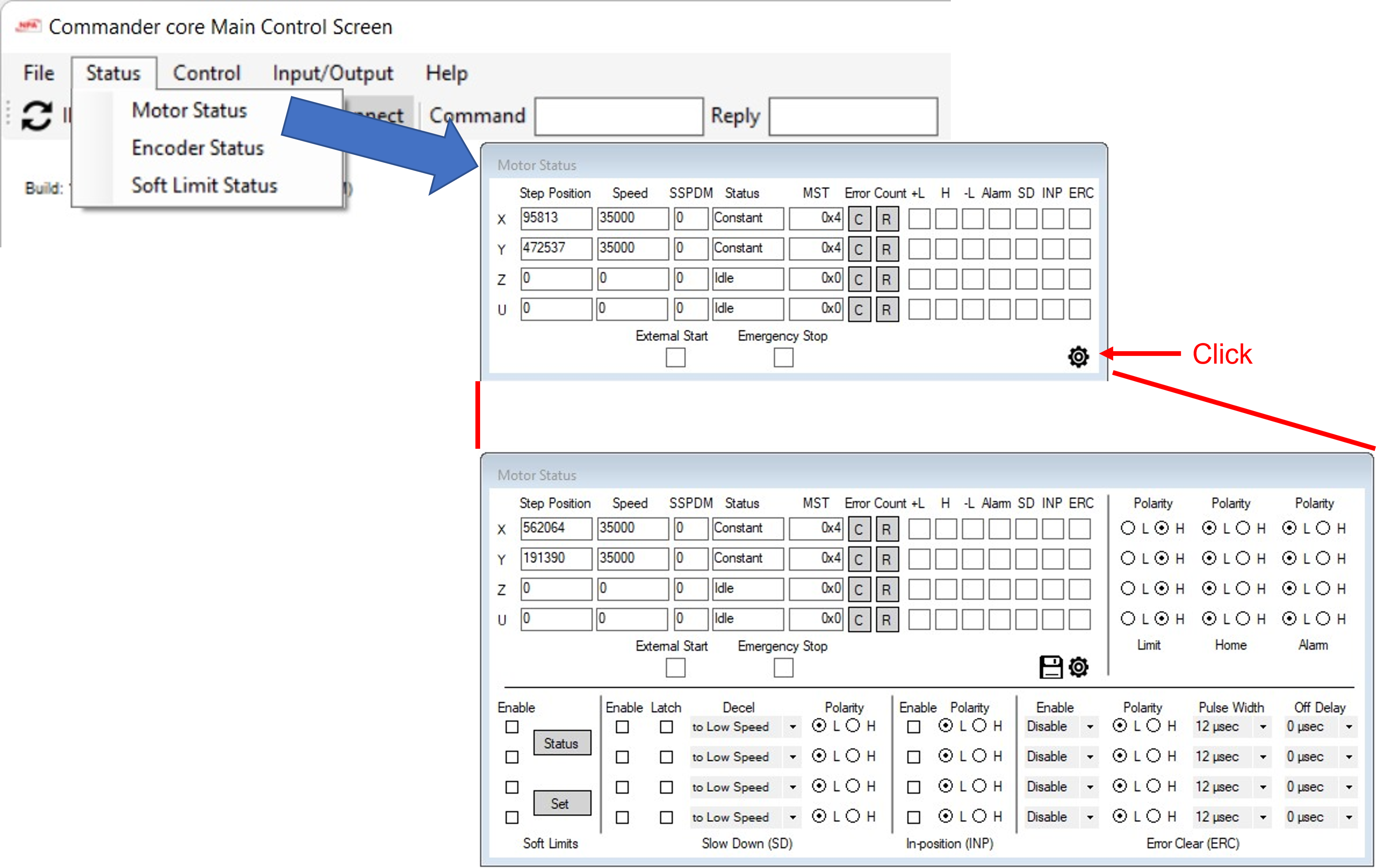
Motor Status Screen |
|
|
|
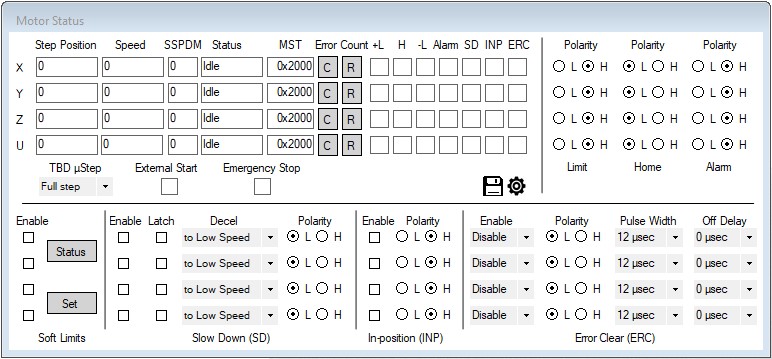
Motor Status Screen |
Adds additional configuration options, including polarity settings, soft limit configuration, slowdown configuration, In-position functionality, and ERC behavior |
|
|
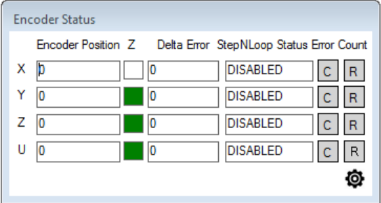
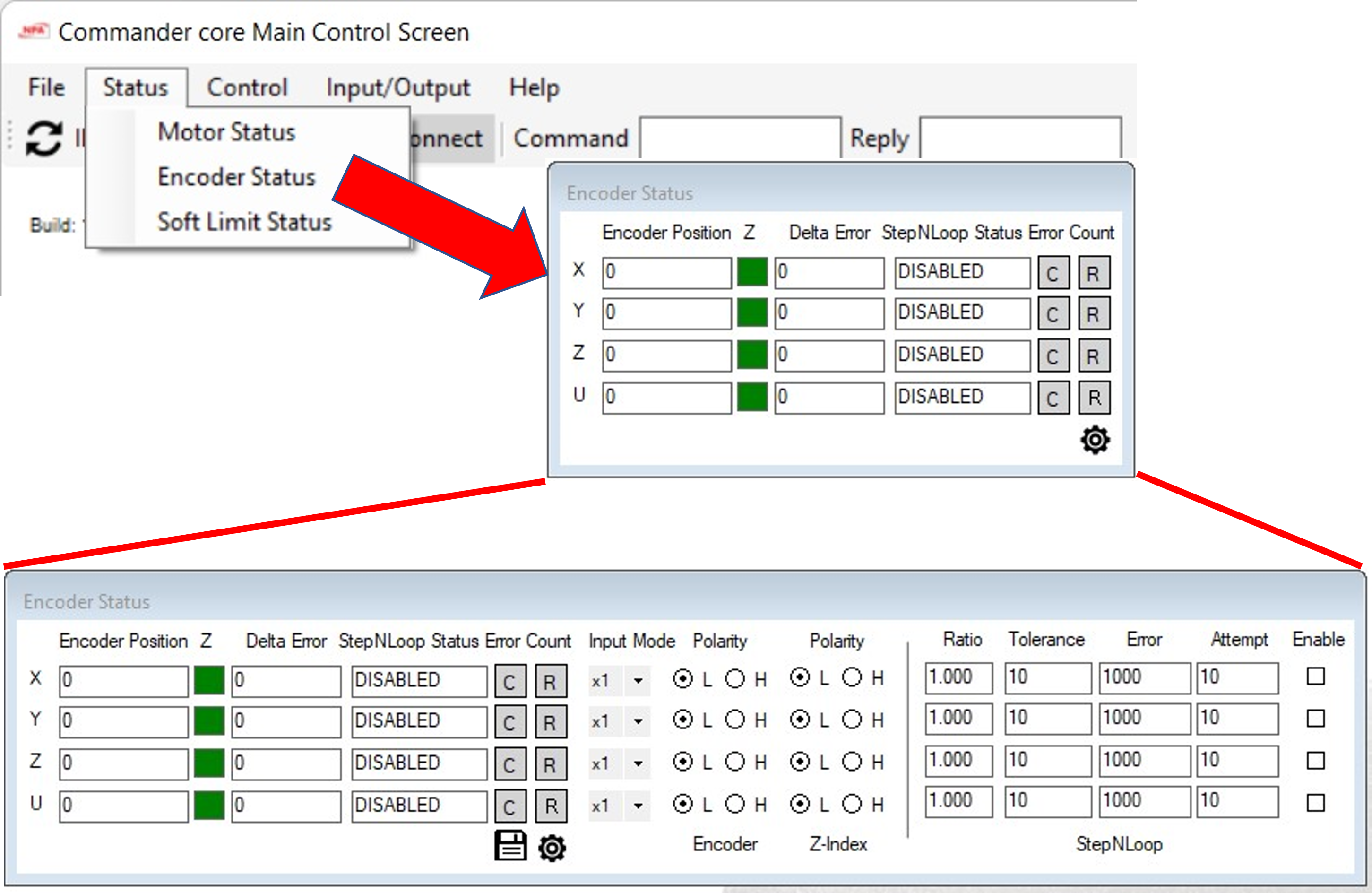
Encoder Status Screen |
|
|
|
Encoder Status Screen |
|
|
|
Soft Limit Status |
Check the status of the soft limits |
|
|
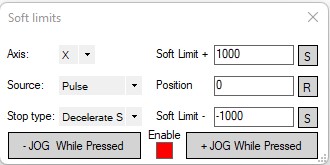
Set Soft Limits |
Sets and test the soft limit settings |
|
|
Axis Control Screen |
|
|
|
Axis Control Screen (Advanced) |
|
|
|
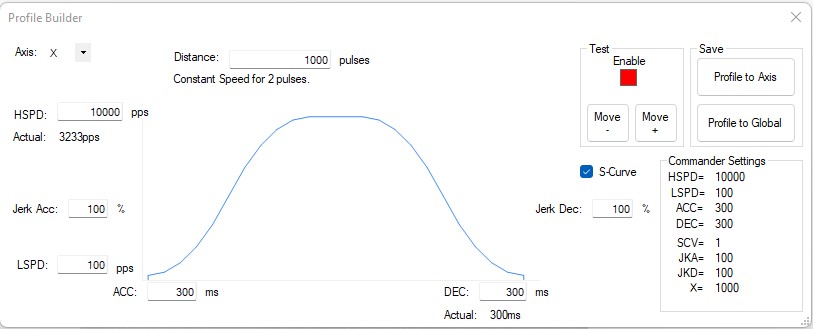
Profile Builder |
Graphical planning of profile high speed, low speed, accel/decel time, Jurk control, s-curve, and target position |
|
|
Standalone Control (Basic) |
|
|
|
Standalone Control (Advanced) |
Adds viewing of variables |
|
|
|
|
|
|
|
|
|
Configure all settings for joystick control for both X and Y axes |
|
|
Terminal mode for entering ASCII commands directly to controller. Includes last 6 commands for quick data entry. |
|
|
|
(Basic) |
|
|
|
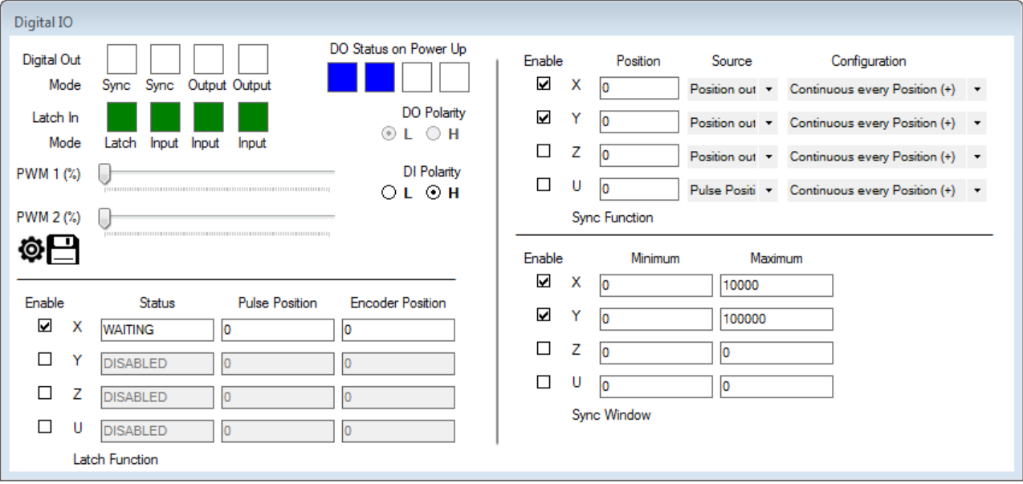
Digital I/O Screen (Advanced) |
|
|
|
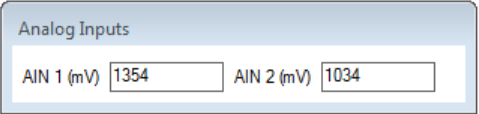
view current values for analog inputs 1 and 2 |
|
|
|
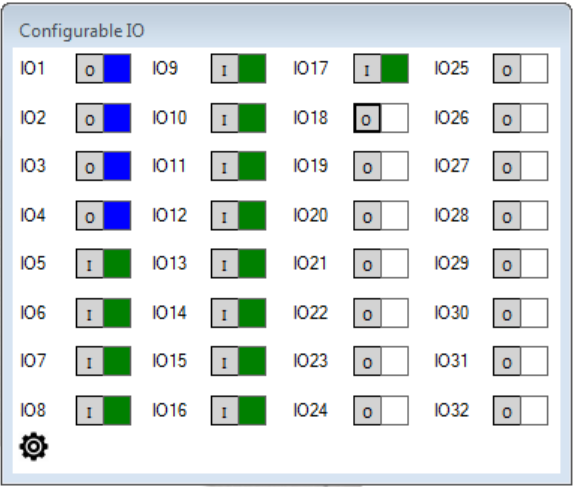
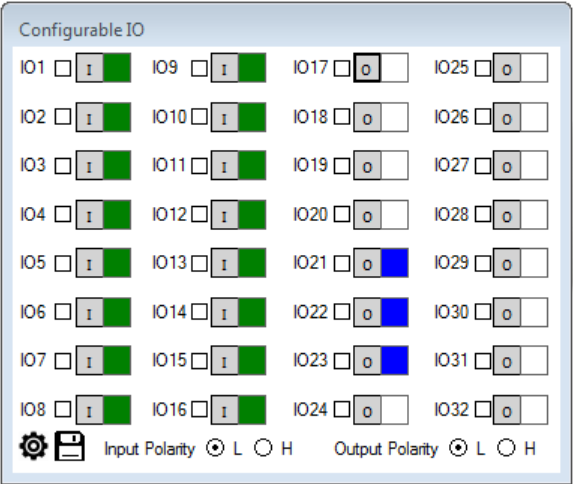
Configurable I/O Screen (Basic) |
configure settings for all configurable I/O, adjusting input and output polarity along with boot-up output status |
|
|
Configurable IO Screen (Advanced) |
|
|
|
|
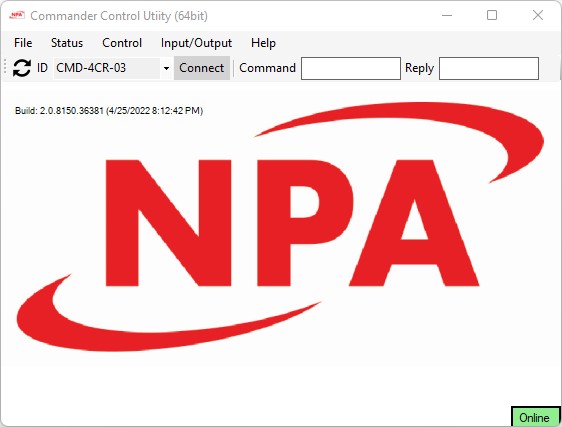
Screen transition diagram

Encoder Status Screen
Soft-Limit Status Screen
NEED SCREEN image
Manual Pulse Generator (MPG) Control Screen