
3.3 Create AScript
- Click the AScript Editor button to open the editor.
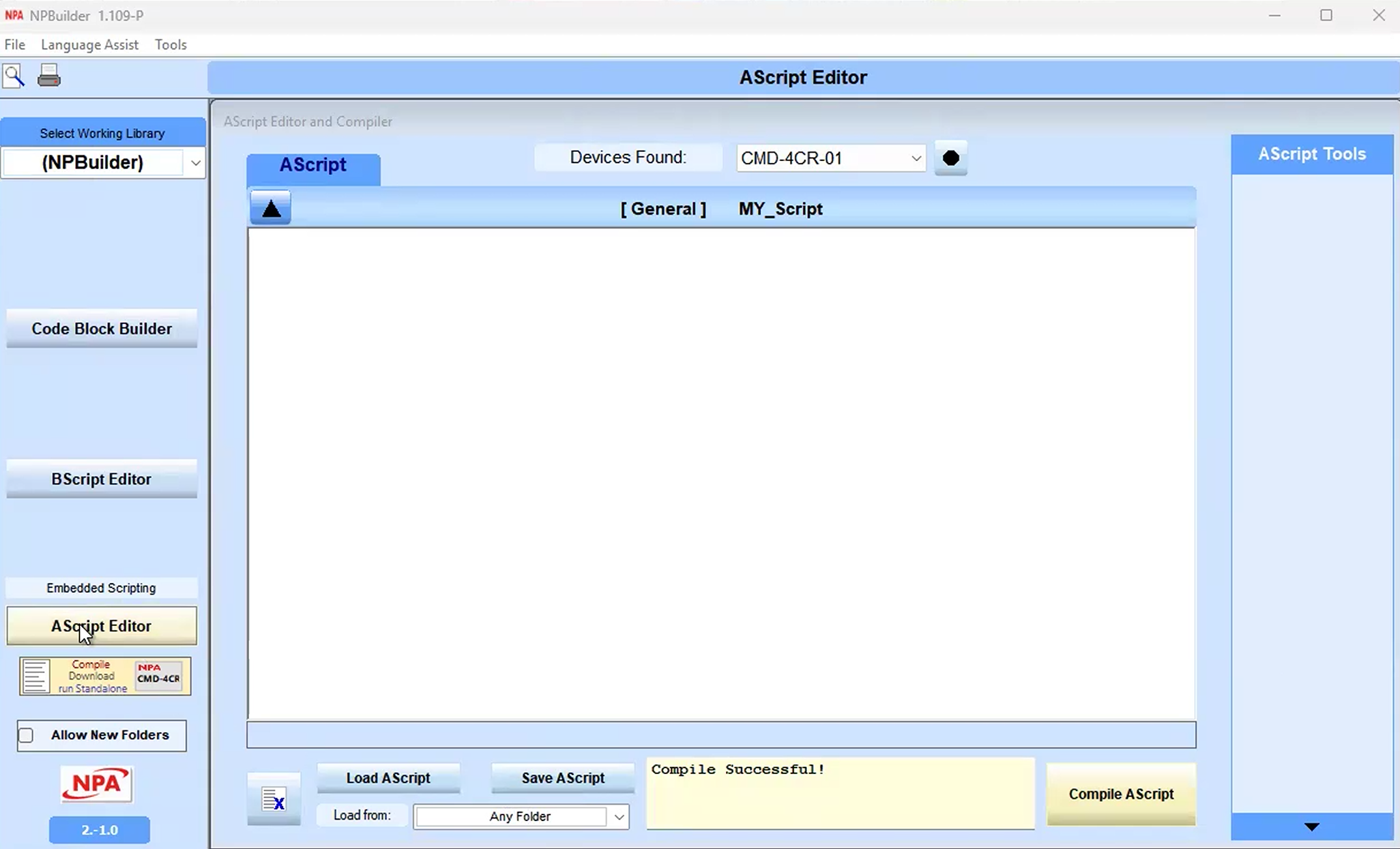
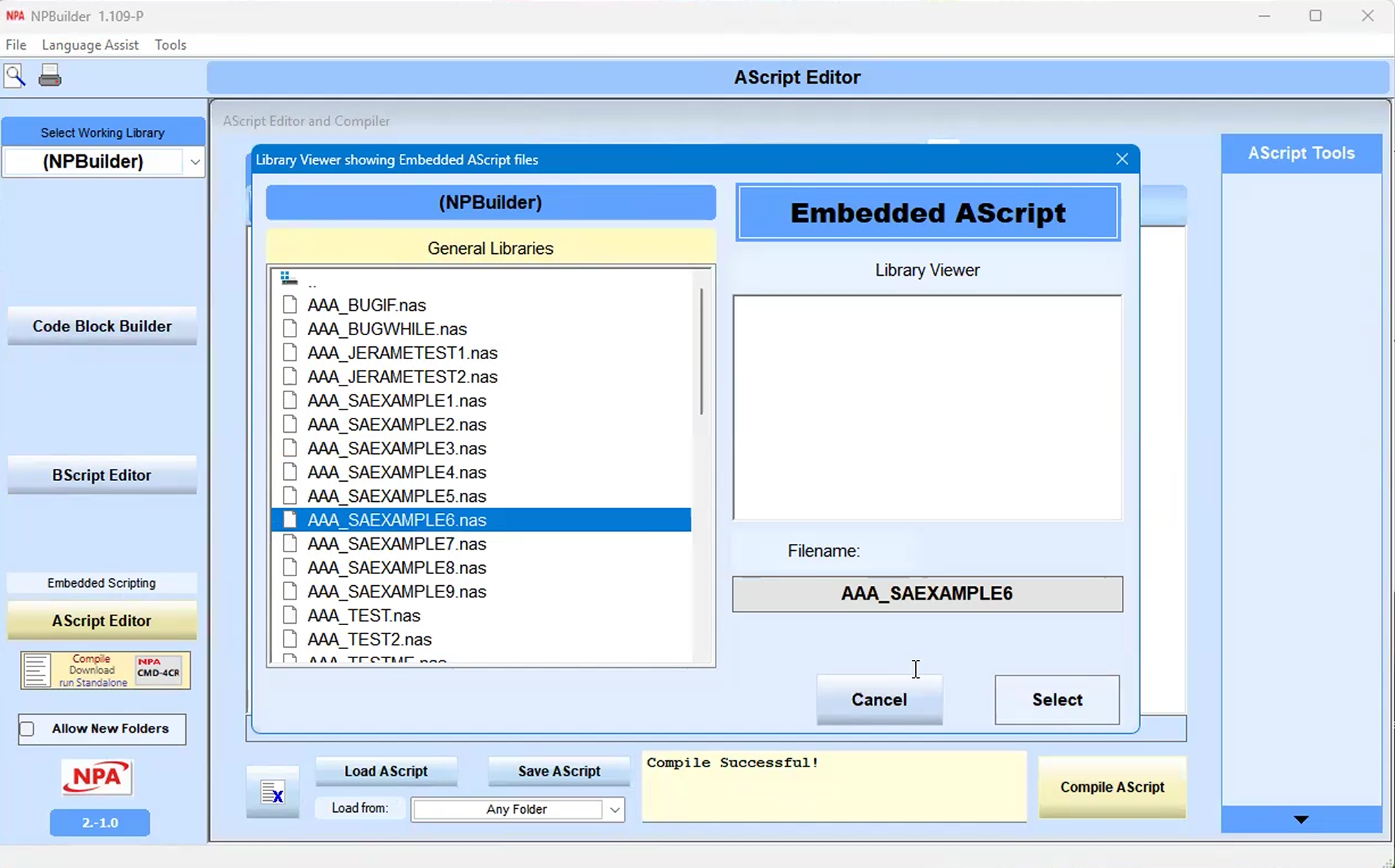
- Create a script or click the Load AScript button to open a script.
- Select a script, then click the Select button under Library Viewer.
AScript example
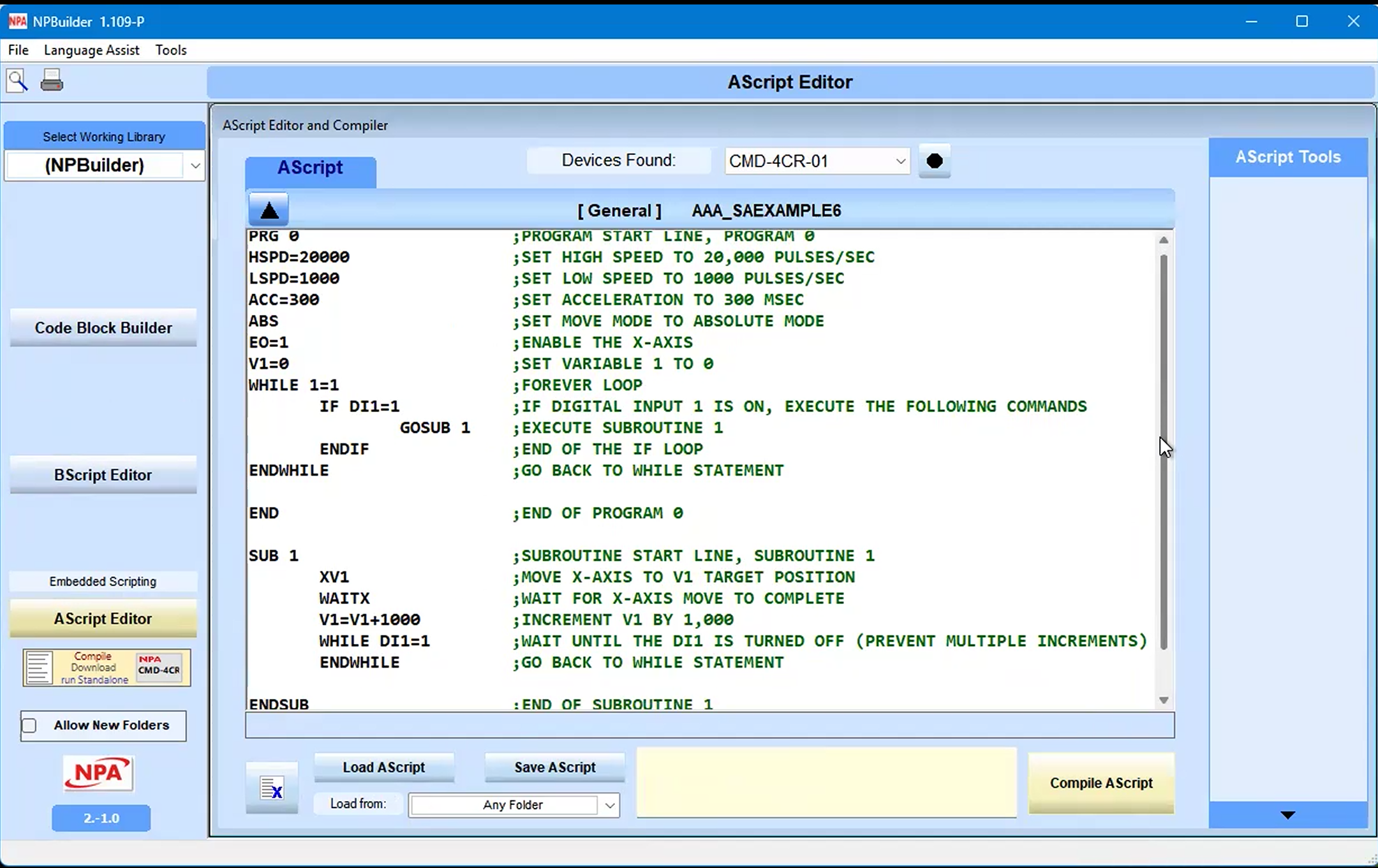
In this example:
WHILE statement, IF statement, GOSUB statement
Note: In AScript, subroutines are numbered (0-32), not named.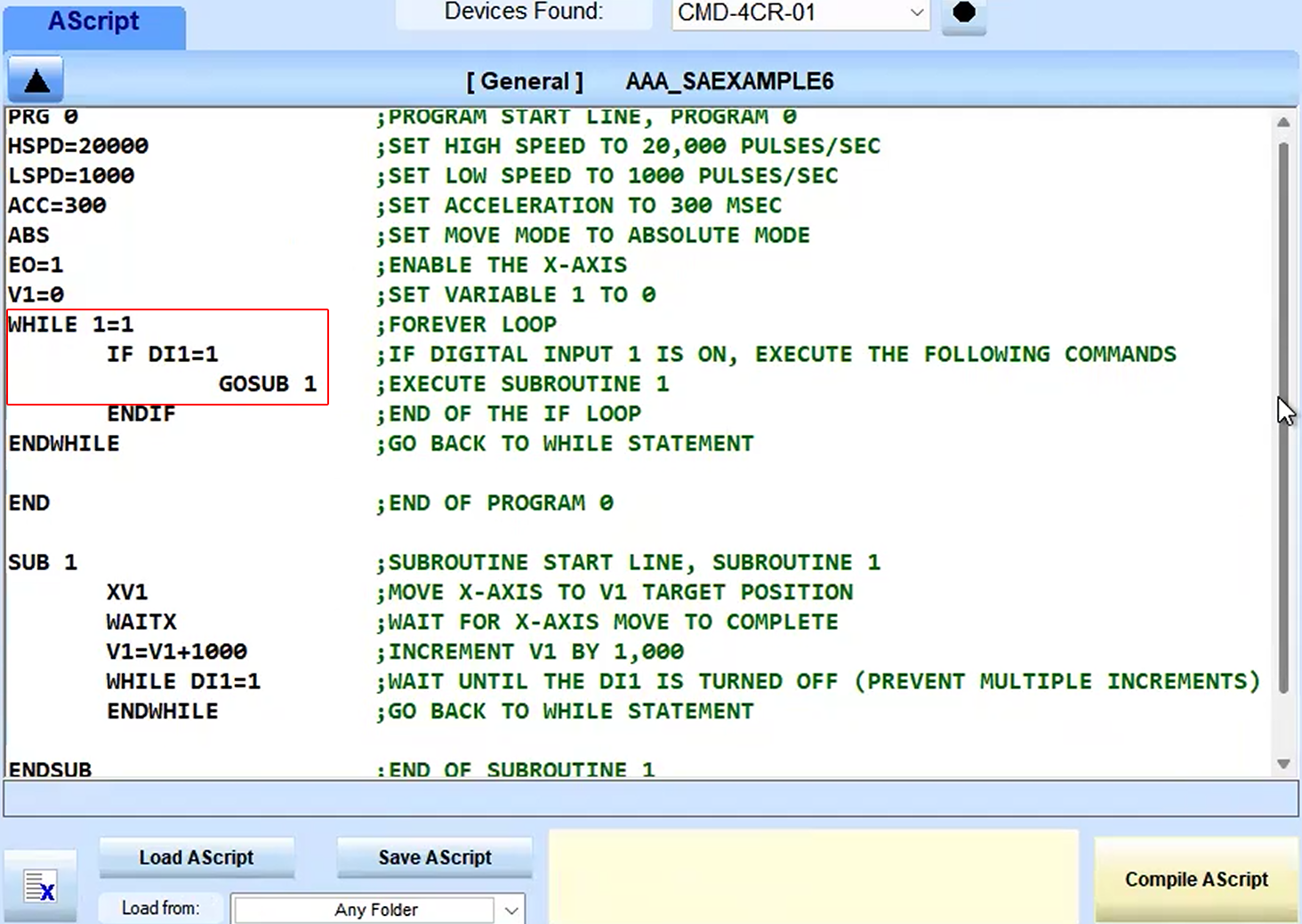
SUB routine (call highlighted in previous image)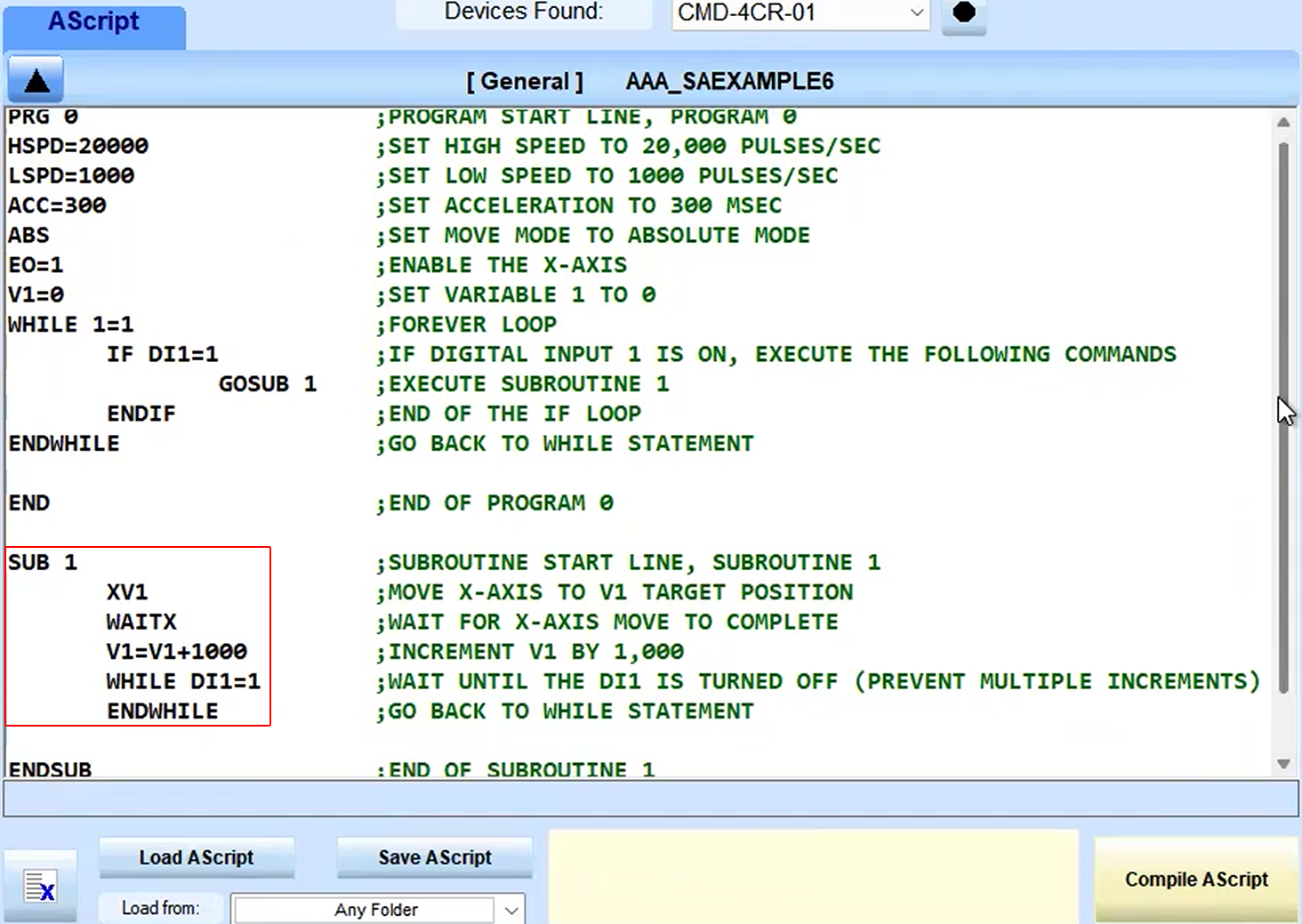
Motion control example of high speed (HSPD), setting low speed (LSPD), a command setting acceleration (ACC)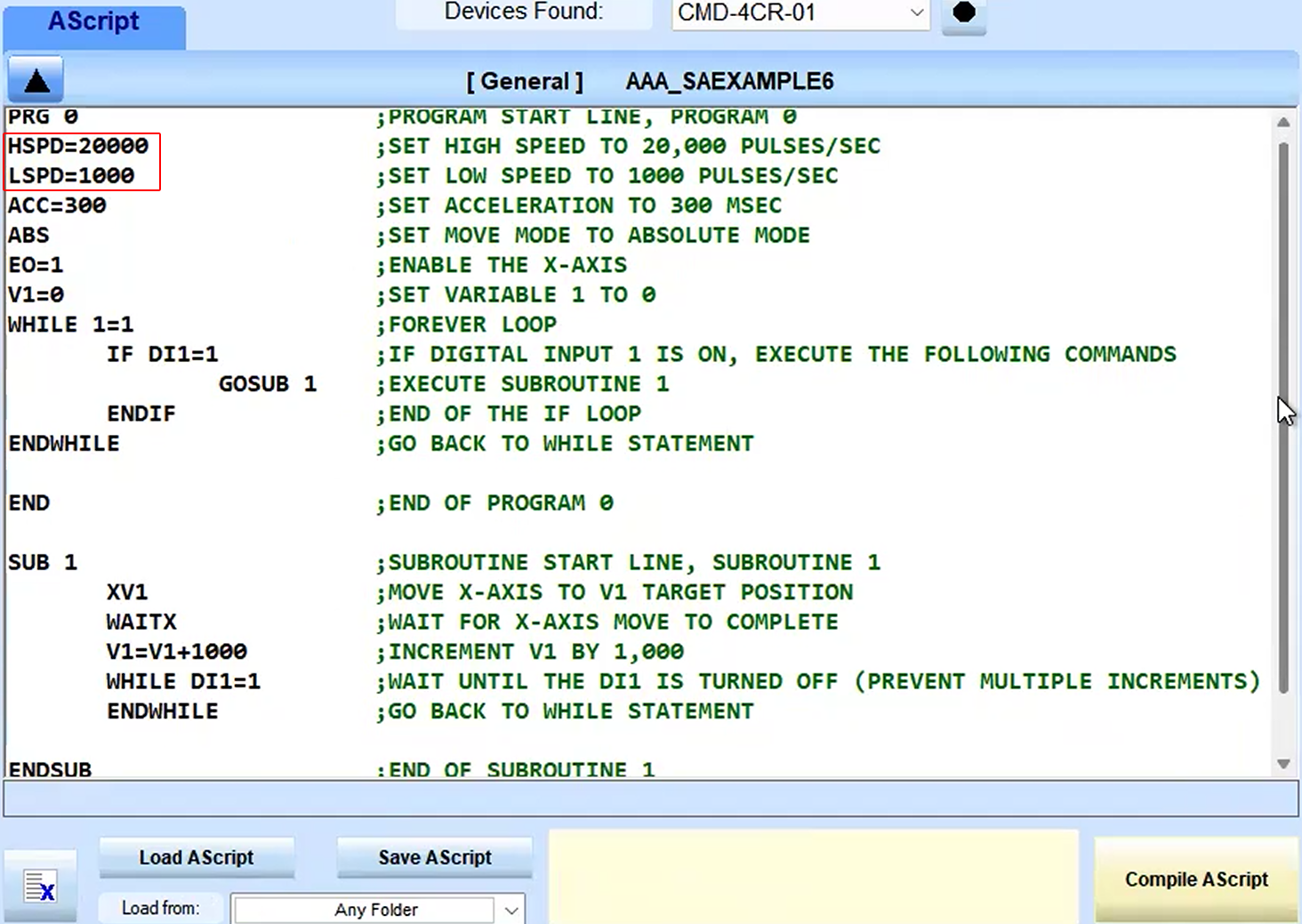
Commenting AScripts
Comments are any characters after a semicolon ; (in this example) or character or a single quote ‘ character. 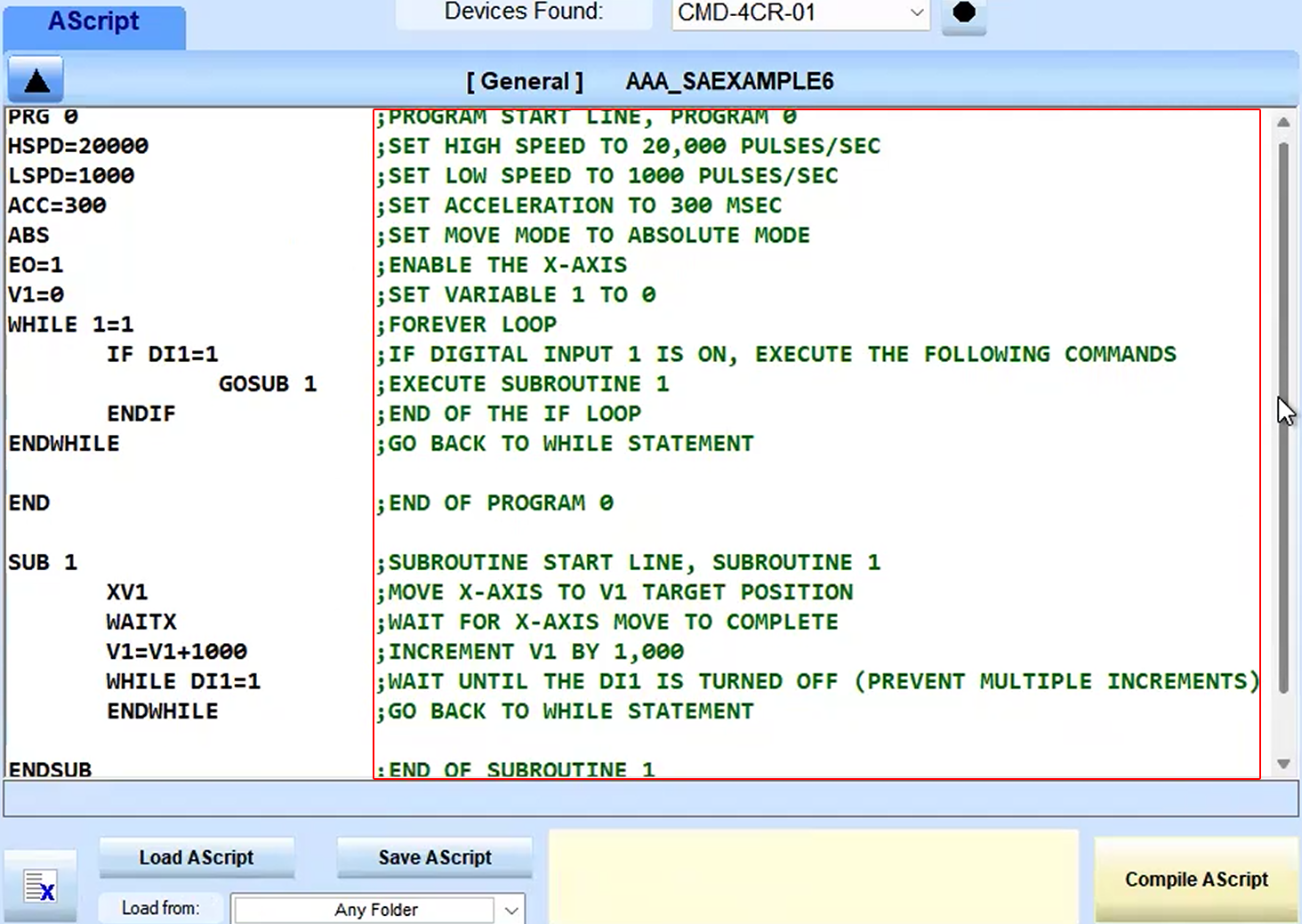
See the Commander Manual for ASCII Language Specifications.
See also the Commander Reference.