2.4 Plugin Designer
Plugin Designer
NPBuilder contains a Plugin Designer tool. It has the ability to generate code in power basic, which is A Win 32 native code compiler that can be used to write plugins. You can write plugins in a variety of different languages and design your form.
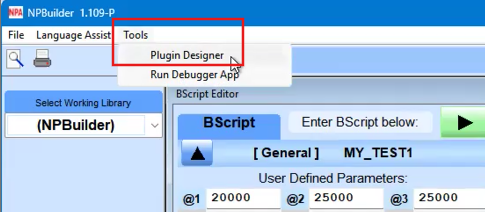
- Click the Tools menu, then select Plugin Designer.
The Options menu has various elements you can use for design.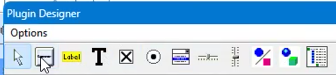
- In this example, click the Button option to add a button to the form.
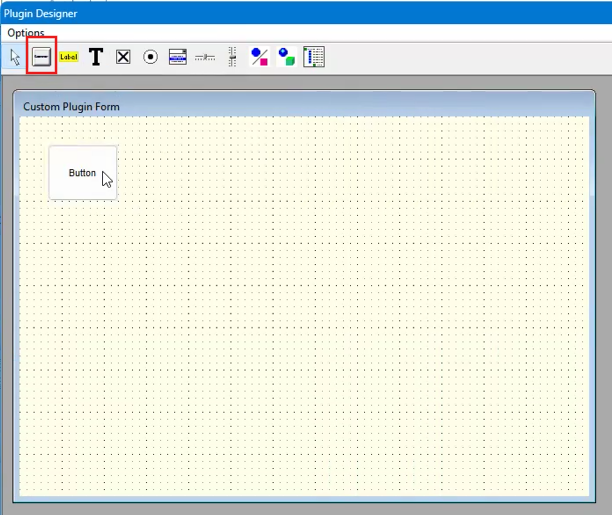
- Double-click an object to to assign properties and change their appearance.
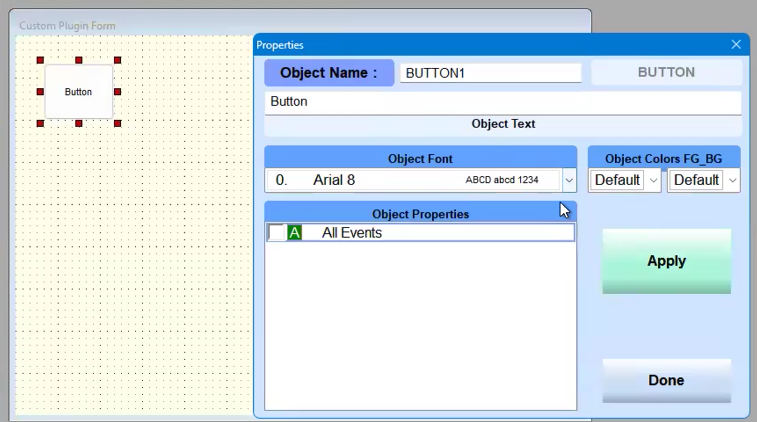
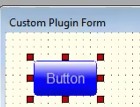
- Click Done to apply changes.
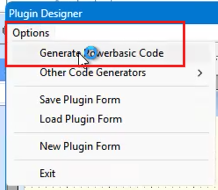
- Click Options, then select Generate Powerbasic Code.
Note: NPA plans to add other coding languages.