2.3 BScript Tools
BScript Editor Tools
NPBuilder uses open API plugins. Plugins are used to generate code and provide additional features.
Note: NPA plans to develop plugins over time to improve code generation in NPBuilder. You can also create your own plugins to create customized code generators to meet your specific needs.
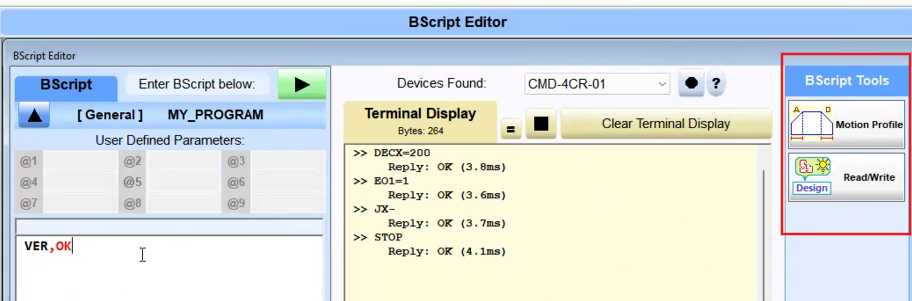
Motion Profile Tool Example
This Motion Profile tool is not a built in NPBuilder tool. It is a Dynamic Link Library (.dll) written with a plugin API. NPBuilder looks for plugins in the plugin folder when it starts, then loads available tools into the toolbar. This example illustrates use of the Motion Profile plugin.
- Click the Motion Profile button to open.
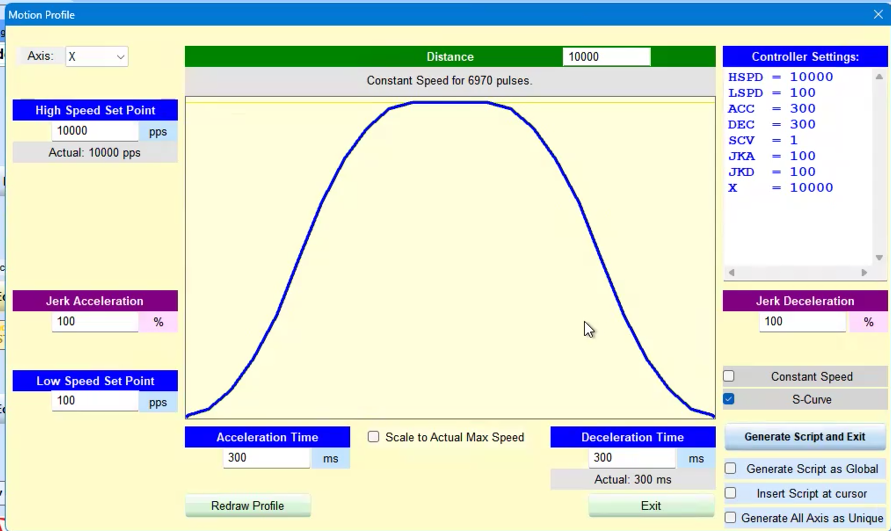
Use this plugin to set various parameters, such as High Speed Set Point, Low Speed Set Point, Jerk Acceleration, and others as available in the plugin. - Click the Redraw Profile button after making changes.
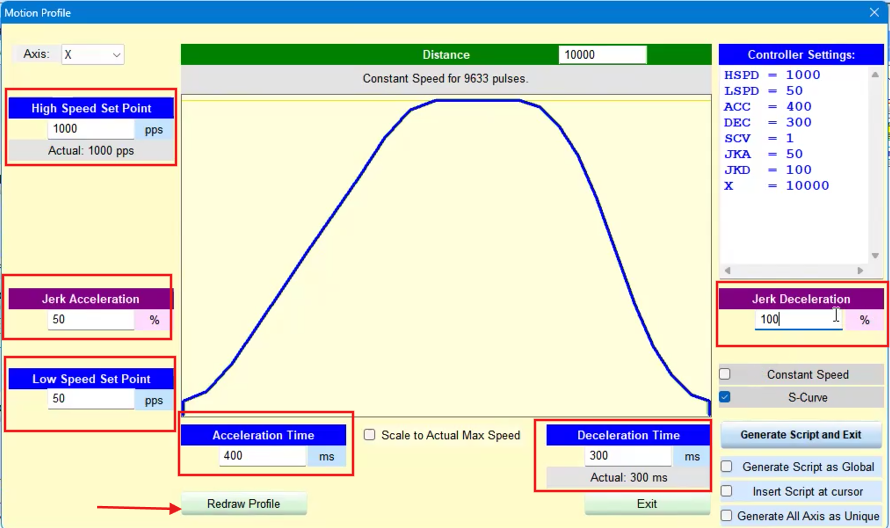
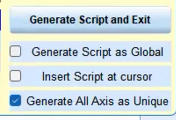
- Select a Generate Script option; in this example Generate All Axis as Unique.
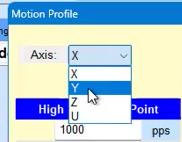
- Select an Axis.
- Click the Generate Script and Exit button.
The ASCII commands required to create the defined profile have been generated as a script.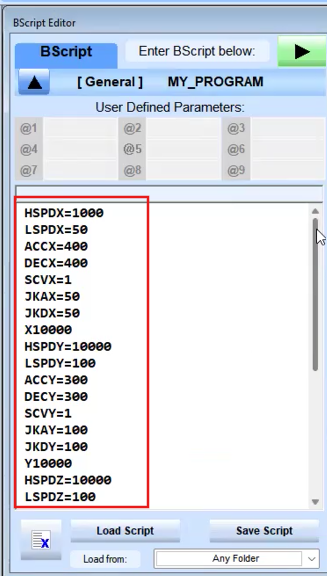
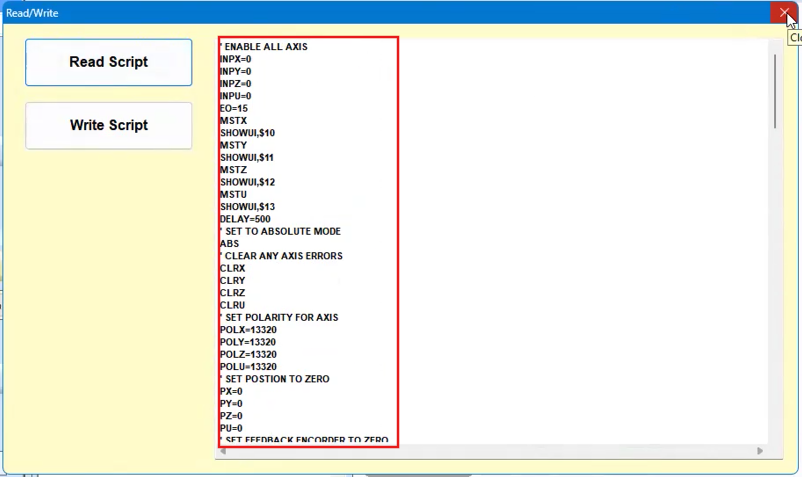
Read/Write
This Read/Write tool uses commands in the API to read from the BScript Editor. This simple example is intended to illustrate the use of API plugins.
- Open a script in the BScript Editor.
- Click the Read/Write button.
- Click the Read Script button in the Read/Write screen.
The script is displayed and can be edited in this view.