
3.5 Additional AScript Options
This button displays an input window where you can define the script name, in which main folder or category the script should be stored, and provide a description.
Script Definition
- Name a script file.
- Select a library folder
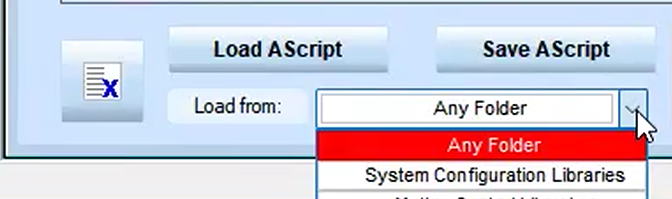
There are four key subfolders. When loading scripts, select any of the folders or select one folder to work directly from.
- System Configuration
- Motion Control
- IO Control
- General Libraries
- Type a brief description of the script.
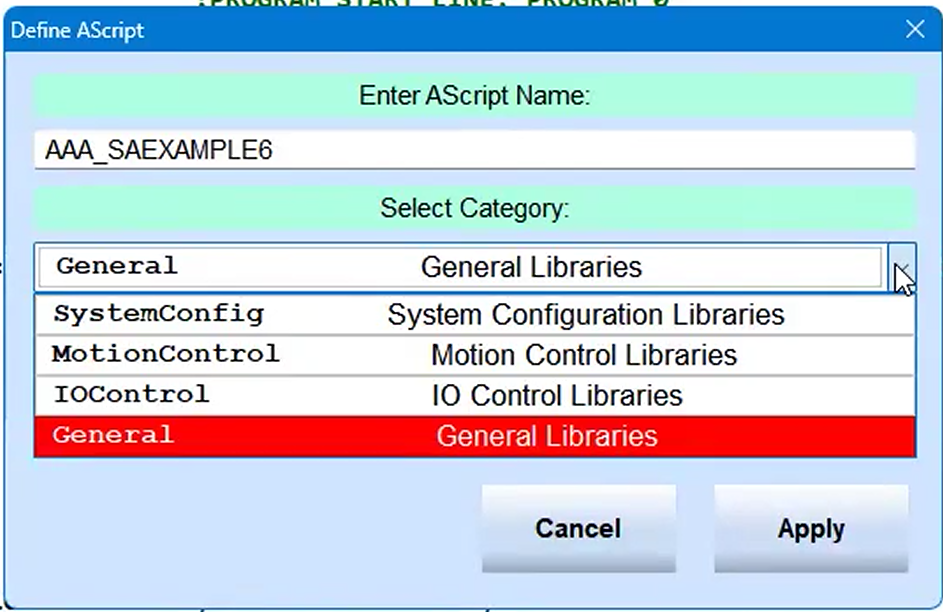
This information is also included in the file when it is saved. NPbuilder uses an XML like file format for storing AScript files.
Use this dropdown to see and select connected devices.
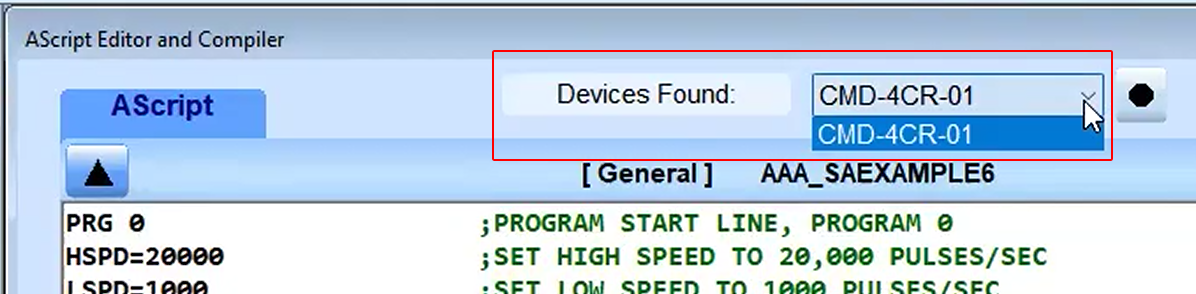
In this example, only one Commander is listed, but if multiple Commanders are connected all of them will be listed. The button next to the list is a Reset button to reset the Commander list to make sure it's up to date.