
2.1 Parameter Descriptions
When a script is has fixed values, it can only be used for one thing. Parameters can be changed and edited, so a single script can be used many times over with different values or parameters passed to it.
This button displays an input window where you can define the script name, which main folder or category it should be stored in, and provide a description.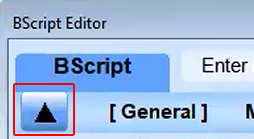
In the BScript Editor, the input window also includes Parameter Descriptions.
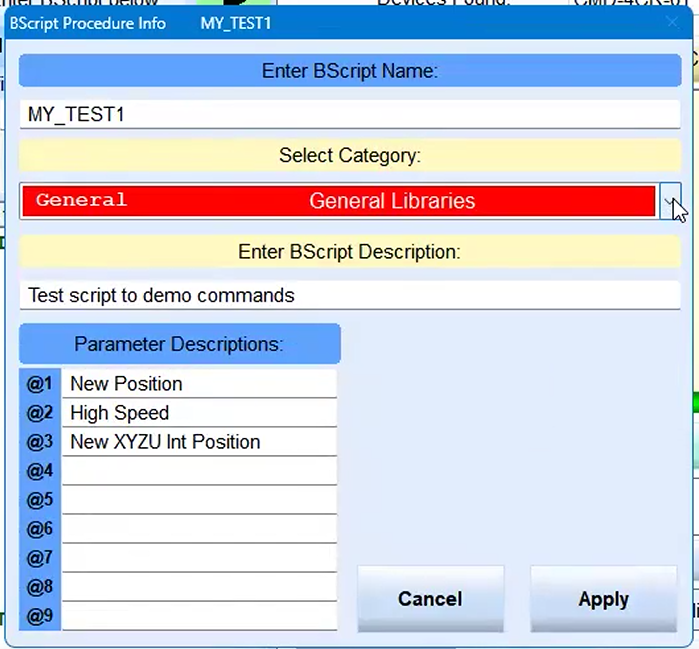
These are parameters that can be defined in a script; use the @ (at) character with a number from 1 to 9. The value in the input box is pasted throughout the script. A parameter makes a script multi-usable. When the script is run, the @value in the script is replaced by the defined parameter, in this example, 20,000.
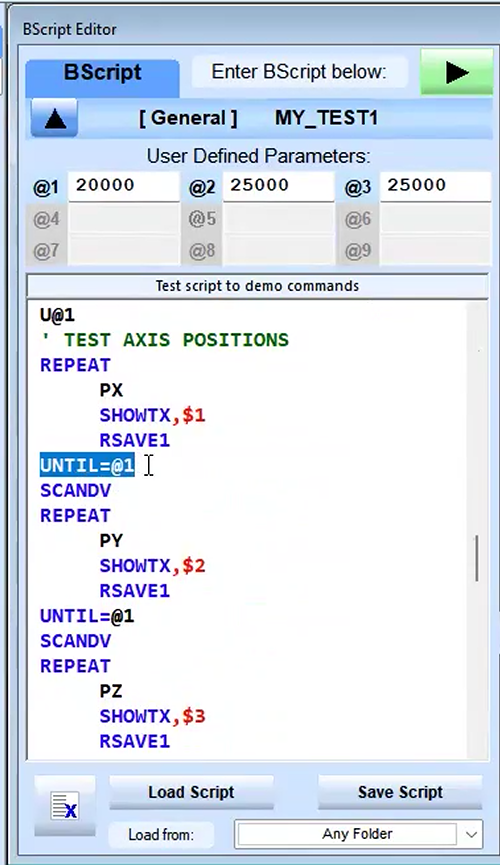
Dollar sign $
If the command is in black, it's an assumed ASCII command, but BScript is a minimal scripting interpreter that runs your program. It has additional commands that are not Commander commands or ASCII commands for the Commander. These commands are never sent to the Commander; they tell the scripting engine to do something. In this example, it is a SHOW command.
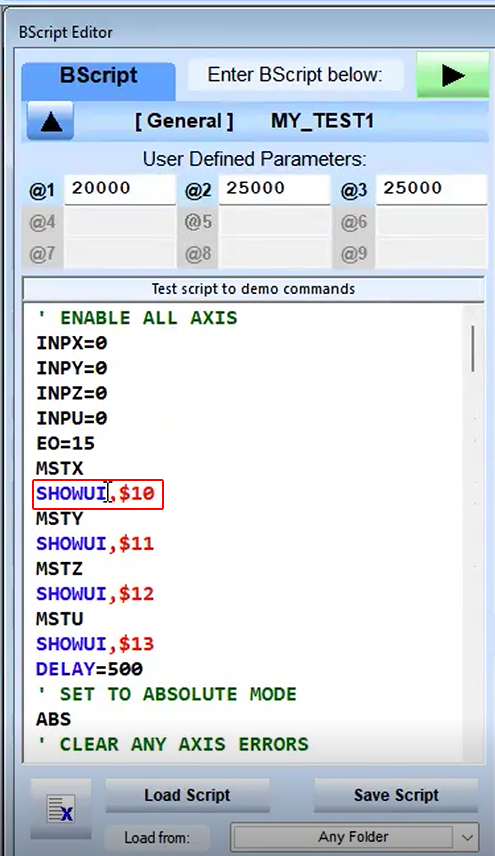
This SHOW command says show UI, meaning show the the last reply value. The Commander will send a reply, OK or the current value. This command requests the last ASCII command sent be displayed. A display window opens as this program runs and shows a number of memory buffers, variables that might call them, and where a value can be put and seen in real time.
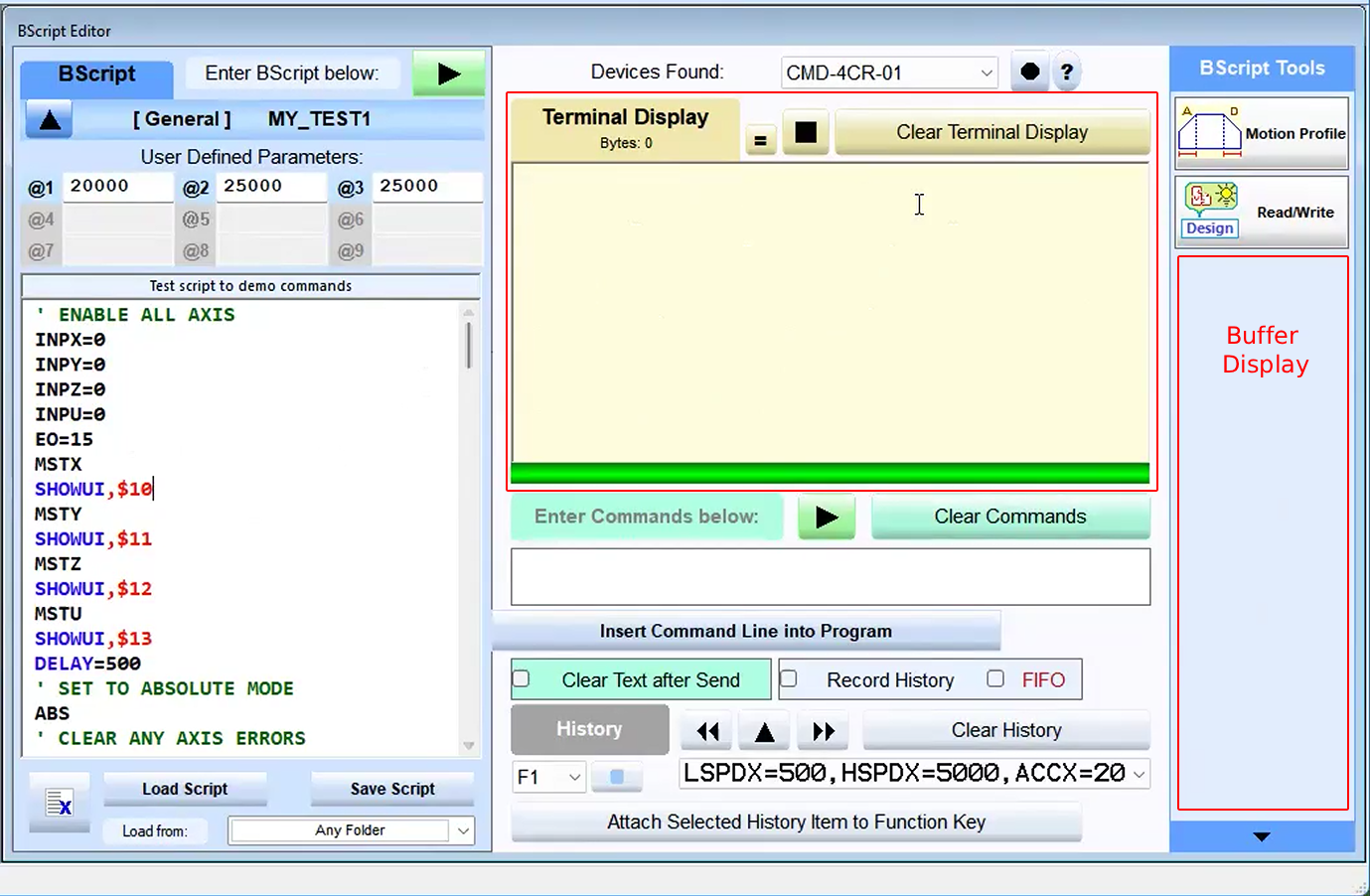
MSXT will return a value. This command shows the value converted to an unsigned integer. The ,$10 tells where to put it. Without the ,$10 it would be displayed only in the terminal window.
The terminal window is for commands that are executed and it shows it in real time. The format of the commands sent can be changed.