
1.4 Compile and Run AScript
Compile and Run AScript
After your AScript program has been written, save and compile.
- Click the Save AScript button.
The Library Viewer screen opens. - Type a Filename.
- Click the Save button.
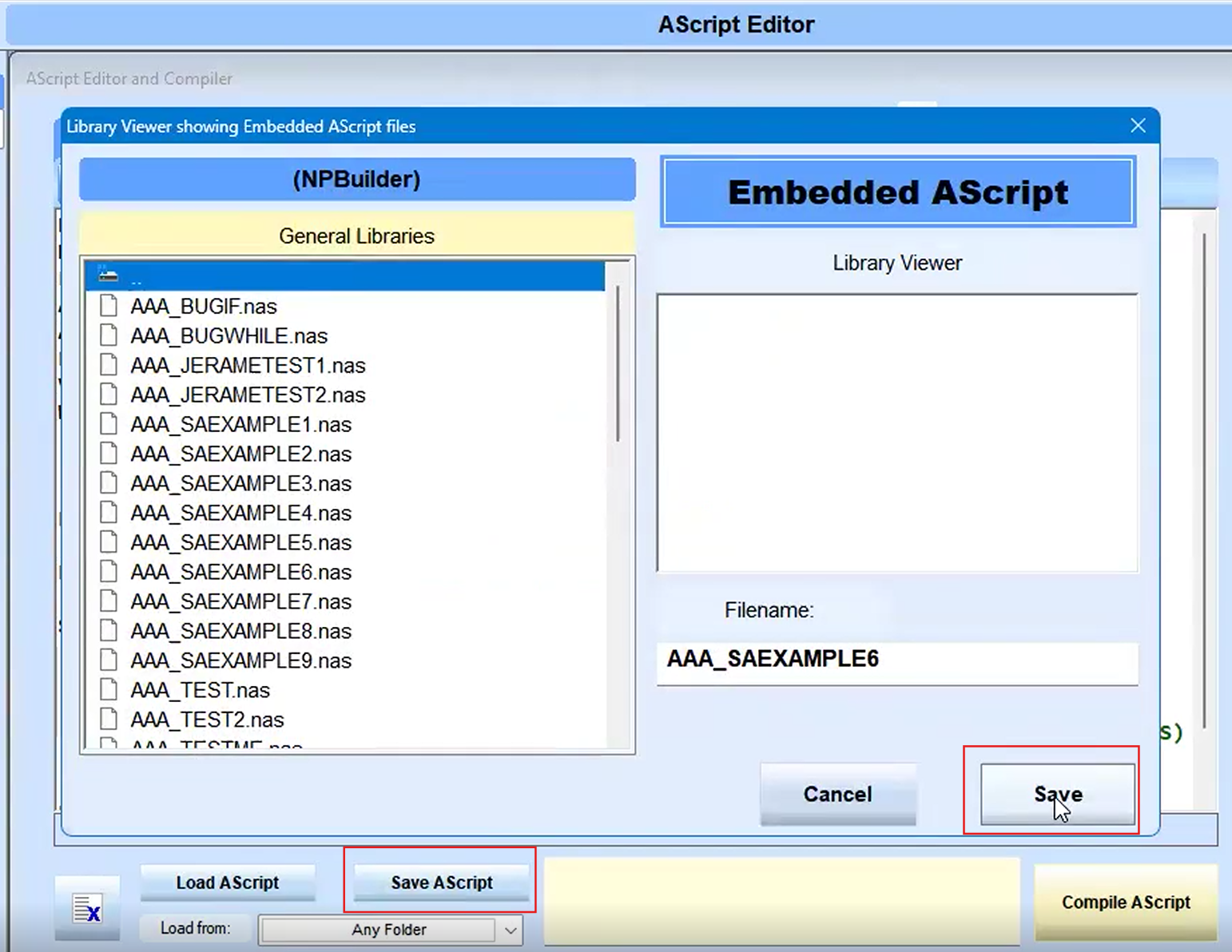
- Click the Compile AScript button.
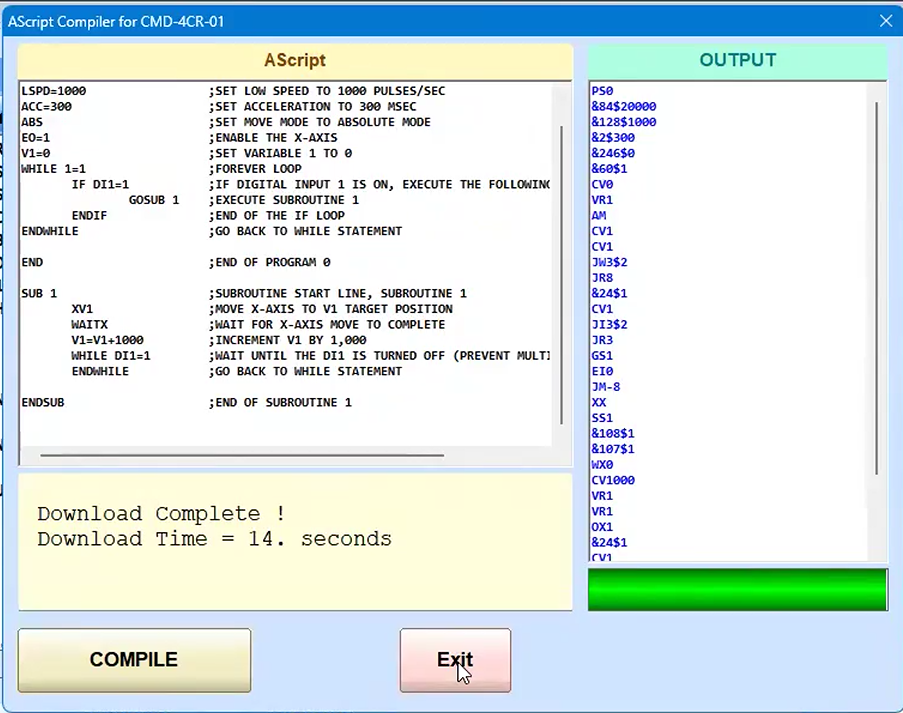
The AScript Compiler opens.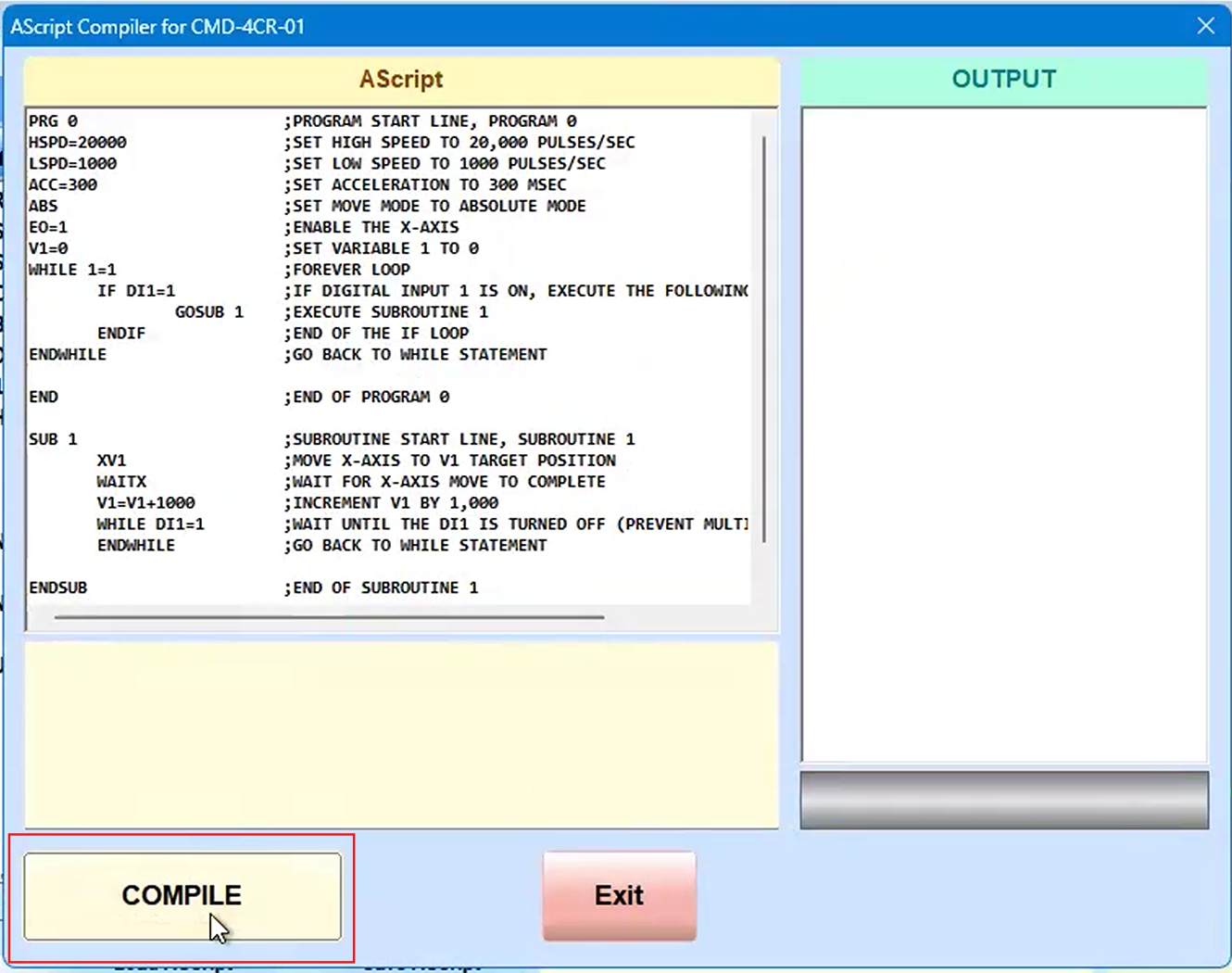
- Click Compile.
- (Optional) Click Yes on the prompt to compare PCode to Clipboard.
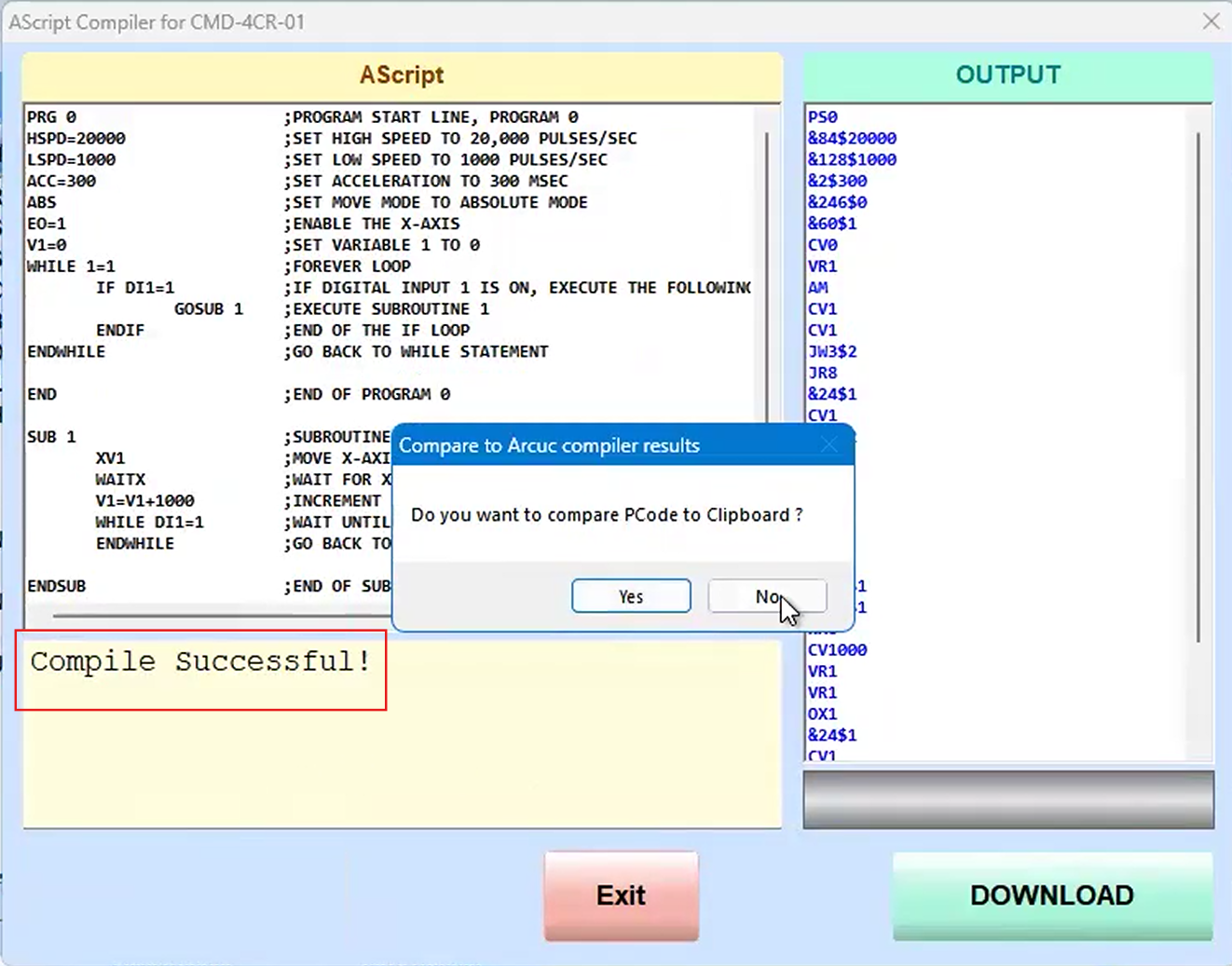
- Click the Download button.
This erases the Commander memory then downloads the program to the Commander memory.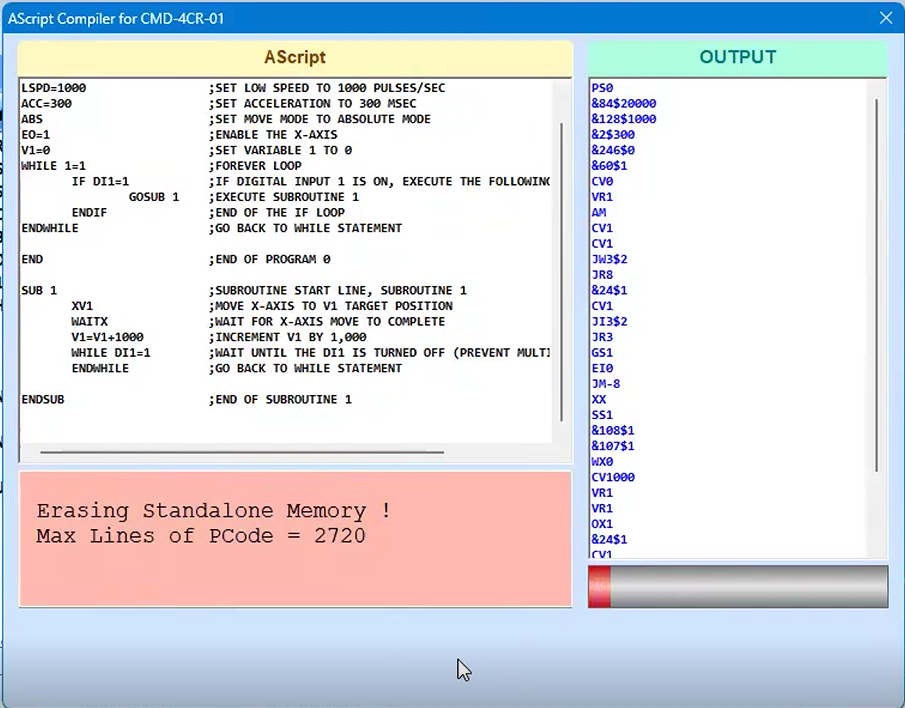
- When the download is complete, click Exit.
When the Commander starts up, it can automatically run this program.